
This page gives you editable IVR script templates for the calls your business handles every day: greetings, department menus, on-hold messages, callbacks, appointment booking, billing, and after-hours closures. Swap the bracketed placeholders, read each prompt aloud before you record it, and follow the structure below: how to write one, the templates themselves, best practices, a voice guide, and a launch checklist.
TL;DR:
- Focusing menus on caller tasks, such as booking or billing, improves efficiency and reduces abandonment compared to organizing by internal department structure.
- Keep main menus limited to three to five options, with only two levels of depth, and always include clear options to repeat and reach a live person.
- Test prompts aloud, ensure pacing and tone match your brand, and avoid overly complex language to make the IVR sound natural and user-friendly.
- Track call drop-off points, zero-out presses, and wait times to identify and fix weak spots in the flow, especially in deep or open-ended menus.
- Consider AI receptionist solutions for tasks like booking and lead capture to reduce missed calls and increase conversion, especially for appointment-driven businesses.
Table of Contents
- How to write an effective IVR script
- IVR script examples by use case
- Best practices and mistakes that quietly kill your call flow
- How your IVR should actually sound
- Launching your IVR: a practical checklist
- When an AI receptionist makes more sense than an IVR
- What actually matters here, and what doesn't
- Sources
How to write an effective IVR script
Before you touch a template, decide what the phone system is actually for. Most businesses get this backwards. They map the menu to their org chart (Sales, Support, Billing, Accounting) instead of mapping it to what callers actually want when they dial in.
Start with a short list of the primary reasons people call: booking an appointment, checking an order, paying a bill, reaching a person. Rank them by volume and urgency, not by department size. A dental clinic that gets ten booking calls for every one insurance question should put "For appointments" first, not third.
Here's the build sequence that actually works:
- List every reason a caller dials your number, then rank them by frequency and urgency.
- Group related reasons into no more than 3 to 5 menu options. Callers lose track past five.
- Cap your structure at two levels deep. Main menu, one submenu, done.
- Draft each prompt to run under roughly 30 seconds when spoken at a natural pace.
- Build in a repeat option ("press 9 to hear this menu again") and a zero-out path to a live person or voicemail on every menu.
- Write a one-line recording disclosure if your system records calls, since Canadian callers should be told upfront.
- Read every script aloud before it goes anywhere near a recording booth.
The call structure guidance from VoicemailCraft backs this up directly: keep main menus to a few options, keep submenus to a shallow depth, keep prompts short, and never remove the zero-out escape. Skip any of those four rules and your abandonment rate climbs.
On the recording notice: if your system records calls for quality or training, a short line like "This call may be recorded for quality purposes" covers your disclosure obligation without turning the greeting into a legal document. Keep it to one sentence and place it in the main greeting, not buried in a submenu.
Pro Tip: Write the destination before the number. "For appointments, press 1" is faster for a caller's brain to process than "Press 1 for appointments," because they hear the useful information first and the number second.
IVR script examples by use case
Every script below is copy-ready. Replace anything in brackets, adjust the tone to match your brand, and test it out loud before recording. These follow the same scenario groupings that Twilio's IVR template collection and Murf use, covering the calls almost every business fields.
Main greeting and menu
Department submenu (appointments)
On-hold and queue message
Wait-time estimates paired with a callback option consistently reduce call abandonment more than a vague "please hold" message, because callers actually know what they're deciding between.
Callback offer
A callback that preserves queue position works better than an optimistic wait-time guess, since callers trust a concrete commitment more than a rough estimate.
Appointment scheduling and confirmation
Billing and account access
Technical support
Order status
After-hours and holiday closure
Voicemail prompt
Post-call survey
Emergency routing
Every emergency prompt needs that explicit instruction to dial local emergency services first — never route a genuine emergency through a queue, no matter how short the wait.
Best practices and mistakes that quietly kill your call flow
The single biggest mistake in IVR design is building the menu around your company's internal structure instead of what callers are actually trying to do. A caller doesn't think in departments. They think in tasks: "I need to book something," "I need to pay something," "I need help with something broken." Order your menu around those tasks, ranked by how often they happen.
Saying the destination before the keypress number isn't a stylistic preference. VoicemailCraft's phrasing research shows callers parse "For billing, press 3" faster than "Press 3 for billing," because the useful word lands first. Small change, real effect on comprehension speed.
A few other patterns worth locking in:
- Keep every menu at 3 to 5 options. More than that, and callers start hitting keys before they've heard the full list.
- Never build more than a couple of menu levels. Each extra layer multiplies the mental effort a caller has to spend, and abandonment climbs fast once you go deeper.
- Always leave a live-person escape hatch. A caller stuck in a loop with no way out is a caller who hangs up and calls your competitor.
- Match voice tone and phrasing across every prompt. A formal greeting followed by a casual on-hold joke feels like two different companies answered the phone.
- Build in multilingual routing early if a meaningful share of your callers speak a second language. Bolting it on later means re-recording everything.
- Check accessibility basics: clear pacing, no rushed number strings, and a way to reach a person for callers who struggle with menus generally.
On measurement: track where callers hang up, how often they press 0, and how long they sit in each submenu before acting. Menus with numeric limits (3 to 5 options, two levels deep, sub 30 second prompts) and a guaranteed zero-out consistently show lower abandonment than open-ended menus without those guardrails, based on best-practice telephony guidance. If your data shows a spike in 0-presses at a particular submenu, that's your redesign target, not a coincidence.
How your IVR should actually sound
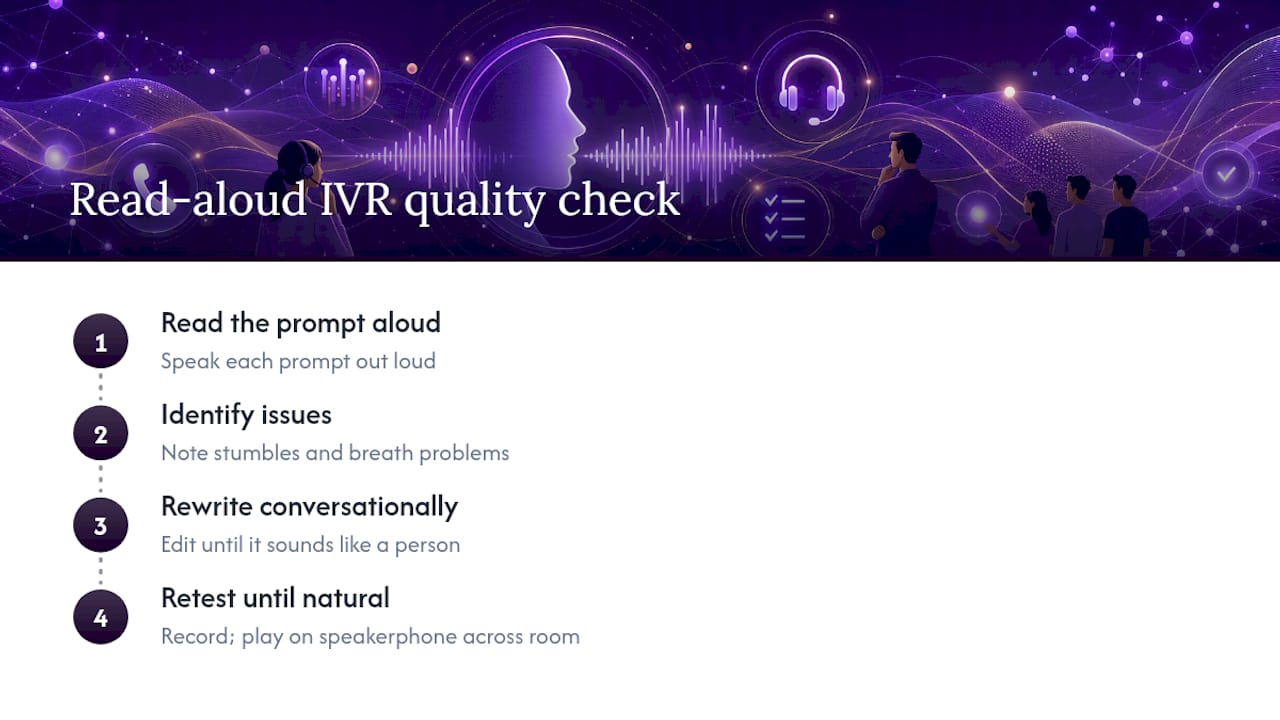
A script that reads fine on paper often sounds stiff the moment someone speaks it. That gap is the whole reason read-aloud testing matters more than any other quality check you'll run. Read each prompt out loud, note where you stumble or run out of breath, and rewrite until it sounds like a person talking, not a legal notice.
If you're hiring voice talent, pick someone whose pace matches your brand: brisk and efficient for a logistics company, warmer and slower for a clinic. High-quality synthetic voices have closed the gap with human talent enough that they're a reasonable option for businesses updating scripts often, though comparing voice-agent quality before committing is worth the hour it takes.
Pacing matters as much as wording. Leave a real pause after each menu option, not just a comma on the page. On-hold microcopy should acknowledge the caller's state, not sell them something. "Thanks for your patience" lands better mid-wait than a product pitch.
Pro Tip: Record a test call, play it back on speakerphone from across the room, and see if you can follow it without reading along. If you can't, your caller can't either.
Launching your IVR: a practical checklist
Moving from draft script to live system takes more than hitting record. Follow this sequence and you'll catch the errors that usually surface after launch instead of before it.
- Map every call flow on paper first, including every branch and dead end.
- Draft scripts for each branch using the templates above as a starting point.
- Record with a consistent voice across all prompts, then stage-test internally with staff pretending to be callers.
- Run a second round with a handful of real callers or friendly customers before full rollout.
- QA every path specifically for the repeat option, the zero-out route, correct call routing, and accurate wait-time logic.
- Monitor call analytics for the first 30 to 90 days and adjust based on where drop-off actually happens.
Quick QA checklist before you flip the switch:
- Does every menu offer a repeat option and a zero-out?
- Does the routing actually send calls to the right team, not just the right recording?
- Is the estimated wait time realistic, not aspirational?
- Do after-hours and holiday messages trigger on the correct schedule?
Keep the previous system, or at minimum the previous script text, on hand for the first few weeks. If call abandonment spikes after launch, you want a fast rollback option rather than a scramble to remember what the old greeting said.
When an AI receptionist makes more sense than an IVR
A well-built IVR still asks callers to navigate a menu, and some of them hang up before they get through it. An AI receptionist skips that step entirely: it answers in natural language, books the appointment, captures the lead, and routes anything it can't handle, all without a caller pressing a single number.
Dexcoretechnologies builds these systems for appointment-driven businesses, with workflows that capture leads and book in real time rather than just collecting a voicemail. The practical gains show up in three places:
- Fewer missed calls after hours, since the system answers around the clock instead of routing to voicemail.
- Higher booking conversion, because the caller schedules directly instead of waiting for a callback.
- Direct sync with your CRM, calendar, or dispatch system, so front desk staff aren't re-entering data by hand.
If you're evaluating a vendor for this kind of system, ask pointed questions: how it integrates with your existing calendar or CRM, how caller data is stored and handled, what uptime guarantee applies, and whether bilingual support is available if you serve French and English callers, especially when considering advanced AI systems Brisbane designed for seamless automation. Some businesses run automation and IVR in parallel during a transition; a step-by-step migration guide is worth reading before you decide which parts to replace first.
What actually matters here, and what doesn't
Most advice on IVR design fixates on the script wording. Wording matters, but it's the third or fourth lever you should pull, not the first. Menu order and depth do more damage or good than any clever phrase ever will. A perfectly written greeting sitting on top of a five-level menu with no zero-out is still a broken system.
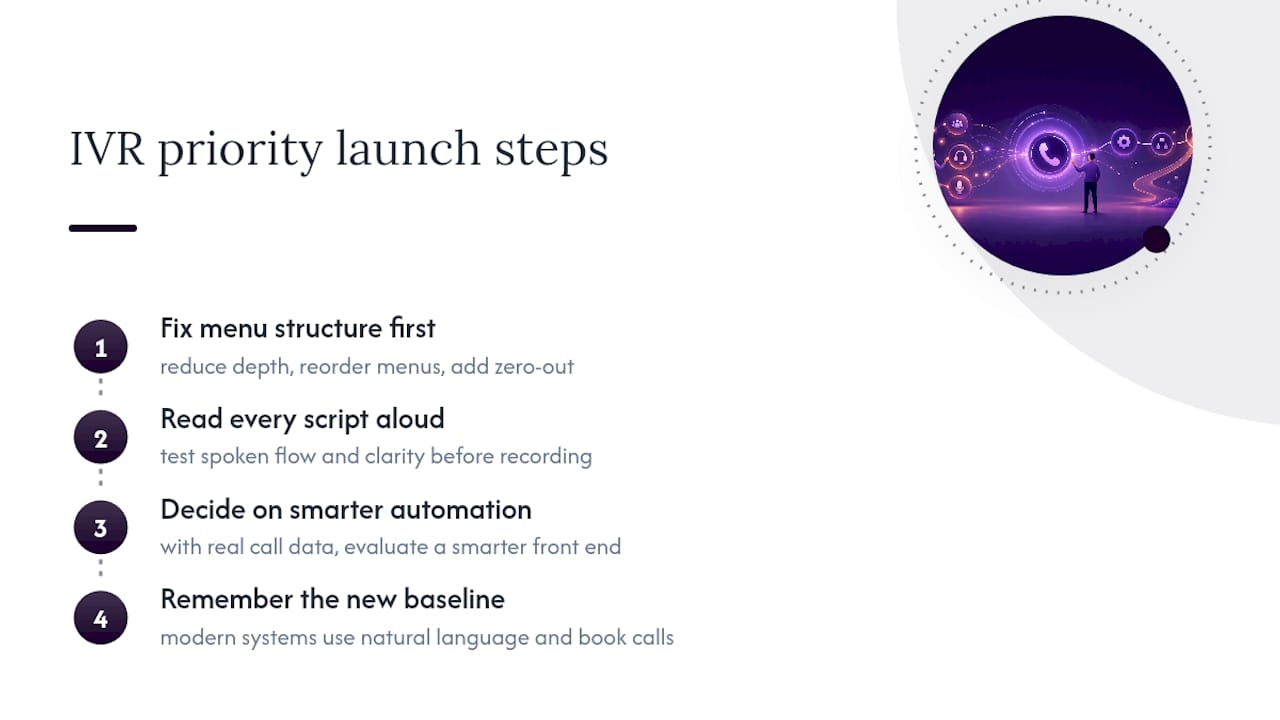
The conventional advice also underweights how fast good automation has changed the baseline. A menu that took two minutes to navigate ten years ago now competes against a system that answers in natural language and books the appointment before the caller finishes their sentence. That doesn't mean every business needs to rip out its IVR tomorrow. It means the businesses treating IVR as a permanent fixture, rather than a stage in an evolving call strategy, are the ones losing bookings quietly, month after month, without a clear reason why.
Fix the menu structure first. Read every script aloud before recording. Then decide, with real call data in hand, whether a smarter automated front end is worth adding on top.
— James
Sources
The templates above draw on structural guidance from VoicemailCraft's auto-attendant scripts, scenario-based examples from Twilio's IVR script library, and the broader template set at Murf.ai's IVR examples. For rollout planning, Quo's auto-attendant script guide covers the monitor-and-iterate approach referenced in the checklist above.