
Call deflection strategies mean deploying an AI receptionist that answers every inbound call and books appointments in real time, instead of letting calls go to voicemail or a busy front desk. The right approach combines a voice AI agent, live calendar integration, and clear business rules that route, triage, and confirm without a human touching the phone. Done properly, this cuts missed calls, lifts booked appointments, and pays for itself within weeks.
TL;DR:
- Answering calls within two rings and booking during the initial contact significantly reduces missed opportunities and improves appointment conversion rates.
- Real-time synchronization of calendars and CRMs ensures the AI agent always sees available slots, preventing double-bookings and scheduling errors.
- Properly defined business rules for buffer times, emergency protocols, and booking constraints are crucial to prevent overbooking low-margin jobs and handle complex inquiries effectively.
- Implementing automated confirmation and reminder communications across multiple channels can lower no-show rates and improve overall scheduling reliability.
- Regular testing, staged rollouts, and staff training are essential to optimize AI receptionist performance and build trust in the system’s accuracy and decision-making capabilities.
Table of Contents
- What call deflection strategies mean for appointment-driven businesses
- Core strategies to prevent missed calls and convert them into appointments
- Implementation checklist: configuring, testing, and launching
- How to measure success: KPIs and ROI you should track
- What I've learned watching these systems get deployed
- How DEXCORE Technologies puts these strategies into practice
- Sources
What call deflection strategies mean for appointment-driven businesses
Call deflection, in this context, is not about pushing customers toward a chatbot or a phone tree. It is voice AI that picks up the call, has a real conversation, and finishes the job: booking, rescheduling, or answering the question on the spot. That distinction matters because appointment-driven businesses lose customers to phone tag, not to a lack of channels.
Speed to schedule decides a lot of this. A caller who reaches voicemail at a dental office or an HVAC contractor rarely waits around. They call the next name on the list. An AI receptionist that books during the original call removes that window entirely, which is why first-call booking outperforms callback systems on conversion almost every time.
A capable system needs to handle several intents without breaking stride:
- New appointment bookings, matched against real-time availability
- Reschedules and cancellations, updated instantly in the calendar
- Emergency or urgent triage, routed to a human or an on-call line
- Quick information requests (hours, pricing, location) that do not need a human at all
Core strategies to prevent missed calls and convert them into appointments
Every effective deployment stacks a handful of strategies rather than relying on one. Here is the order that tends to produce the fastest results, based on what practitioners report from live rollouts.
- Answer within two rings, every time. An AI voice agent that picks up instantly and can complete a booking on the call removes the single biggest source of lost leads: the unanswered phone. Voice agents that handle qualification and booking directly outperform traditional answering services that only take a message and pass it along later.
- Sync the calendar and CRM in real time. The AI needs to see actual openings, not a stale schedule from this morning. When integration is done properly, every call generates a structured CRM record within seconds, which means no one on staff is retyping notes from a voicemail at the end of the day.
- Write business rules before you write scripts. Buffer times between appointments, provider-specific availability, qualification questions that filter out low-value jobs, and clear emergency triage criteria all need to exist as rules the AI can follow, not assumptions baked into a generic script.
- Layer confirmations and reminders across channels. A booking confirmed by SMS, followed by a timed reminder, keeps the appointment top of mind. Reminder sequences timed to customer behaviour can cut no-shows meaningfully on their own, separate from the booking gains.
- Build a fallback for the calls the AI shouldn't close alone. Complex insurance questions, disputes, or after-hours emergencies need an escalation path to a human, a dispatcher, or an on-call number. A system with no fallback loses trust the first time it mishandles something serious.
Pro Tip: Set your qualification questions to protect margin, not just fill the calendar. A contractor booking every call without asking about job scope ends up with a schedule full of low-margin work and no room for the profitable jobs that called in later.
Combined, these strategies change the math on what a "missed call" costs. A business running full calendar sync plus automated reminders tends to see both fewer no-shows and more completed bookings from the same volume of inbound calls, because the friction that used to lose the appointment is gone at both ends: the initial call and the day-of confirmation.
Implementation checklist: configuring, testing, and launching
Buying an AI receptionist is the easy part. Getting it to behave like a competent front-desk staffer takes deliberate setup, and skipping steps here is where most rollouts stumble.
Start with a mapping exercise before touching any settings.
- List every appointment type your business offers, along with duration, required resources, and buffer time before and after.
- Define routing rules: which calls go straight to booking, which need triage, and which escalate to a human immediately.
- Set service-specific availability if different staff, rooms, or vehicles are tied to different appointment types.
- Document your emergency and after-hours policy in plain language the AI's rules can mirror exactly.
Once the rules exist on paper, integration comes next:
- Connect your calendar (Google Calendar, Outlook, or your scheduling platform) so availability updates in real time.
- Link your CRM so every call produces a contact record and call summary automatically.
- Connect dispatch or POS systems if the business runs on one, so bookings flow into the same system your team already uses.
- Confirm webhook or API connections are firing correctly before go-live, not after.
Testing matters more than most teams expect. Run a batch of sample calls covering normal bookings, edge cases, and deliberately confusing requests, then review the transcripts daily for the first week. Tuning the natural language understanding after real calls, not hypothetical ones, is what separates a system that sounds smart from one that actually books correctly. Practitioner guidance consistently points to a staged rollout as the safer path: enable the AI for one appointment type first, watch the metrics for a few days, then expand once you trust the routing.
How to measure success: KPIs and ROI you should track
Four numbers tell you whether the deployment is working: answered call rate, speed to schedule, booked appointment lift, and no-show rate. Track them weekly for the first two months, then monthly after that.
- Answered rate should approach 100%. Anything less means calls are still slipping through somewhere in the routing.
- Speed to schedule measures how long it takes from "phone rings" to "appointment confirmed." Shorter is better, and same-call booking is the target.
- Booked appointment lift compares bookings before and after deployment. Many businesses that previously missed calls see a 25 to 40% increase in booked appointments within the first 60 days.
- No-show rate should drop once confirmations and reminders are running consistently.
To build the ROI case, start with the cost of a single missed call. A missed new-patient call at a medical practice can represent $3,000 to $5,000 in lifetime value, and law or real estate firms see comparably steep numbers. If your business misses even ten calls a month at a fraction of that value, the annual loss adds up fast, and it's often larger than the entire cost of running an AI receptionist for the year. Multiply your average missed calls per month by your average client value and conversion rate, and you get a number that makes the investment decision straightforward rather than theoretical.
What I've learned watching these systems get deployed
Most failures I've seen trace back to the same root cause: the business rules were too thin, or the calendar sync was half finished before launch. An AI receptionist is only as good as the constraints it's given. Skip the buffer-time rules and it will double-book a technician. Skip the qualification questions and it will fill a calendar with jobs that barely cover fuel costs.
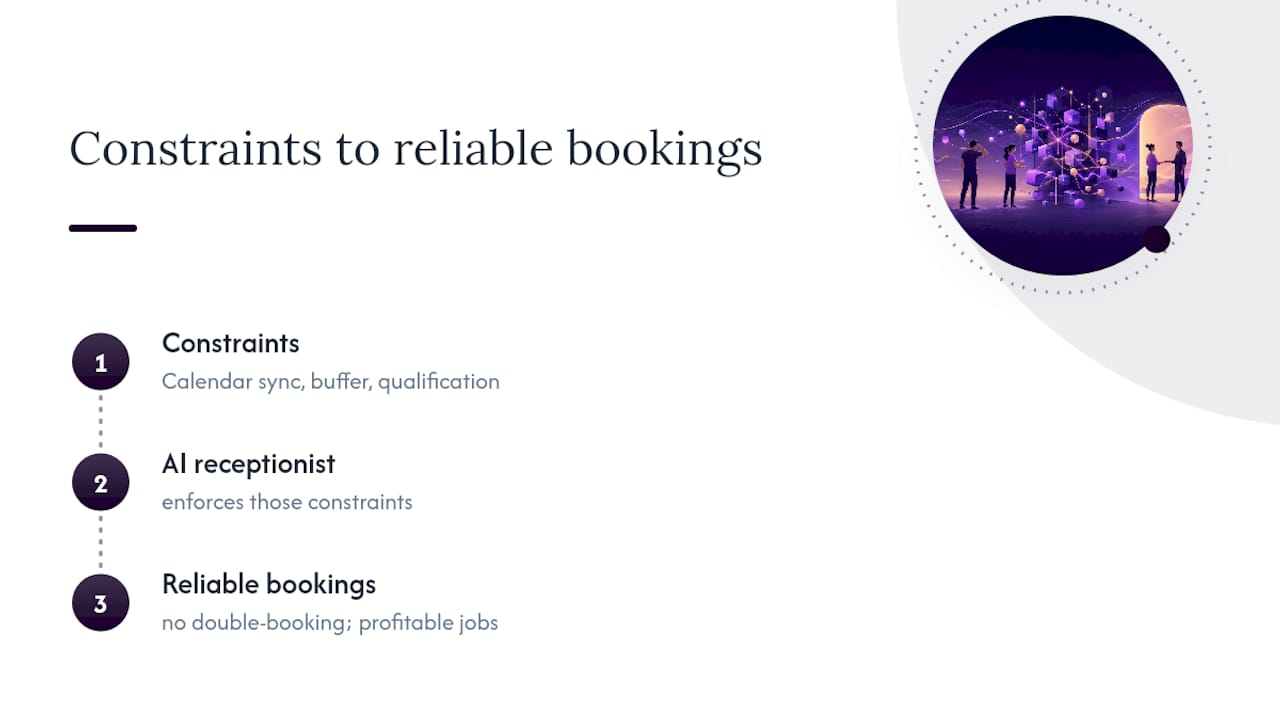
The fixes that actually move the needle are unglamorous. In-call confirmation of the appointment time, read back to the caller before they hang up. Qualification questions tuned to protect the profitable work. Reminder cadence adjusted per appointment type rather than left on a single default. None of that is exciting, but it's the difference between a system that quietly works and one that generates support tickets.
Staff training matters more than the sales conversation suggests. Front-line employees need to know what the AI handles, what it escalates, and how to check the call log each morning. Skip that step and you get a team that doesn't trust the system, which defeats the entire point of deploying it.
— James
How DEXCORE Technologies puts these strategies into practice
Some AI answering services only take messages, while more advanced systems can book appointments during the original call. An advanced AI answering system with real-time calendar and CRM integration can ensure calls become scheduled appointments, logged contacts, or routed escalations, rather than going to voicemail.

Effective onboarding typically includes mapping appointment types and buffer rules, connecting calendars, CRM, and dispatch or POS systems, and running a soft launch on one appointment type before expanding to full coverage. That staged approach is what keeps a rollout from causing the exact problem it's meant to fix.
If you run a restaurant, DEXCORE's restaurant-specific AI receptionist handles reservations and takeout calls without pulling staff off the floor. If you operate a clinic, contracting business, or field service company, the service business platform applies the same booking and triage logic to your scheduling constraints. Request a demo or a call audit through DEXCORE Technologies to see how your current call volume would translate into booked appointments under this setup.