
Missing customer calls and bookings outside business hours lowers revenue and creates manual follow-up work for service businesses. Most virtual receptionist services restrict automation features behind premium plans or require complex setup for CRM and calendar integration. This comparison shows pricing, automation, and integration features so service business teams can pick a virtual receptionist that keeps calls answered and bookings flowing.
Table of Contents
- DEXCORE Technologies AI Receptionist and Workflow Automation Services
- Voksha
- Upfirst
- Xevra
- Skaala
- Comparison of alternatives
DEXCORE Technologies AI Receptionist and Workflow Automation Services
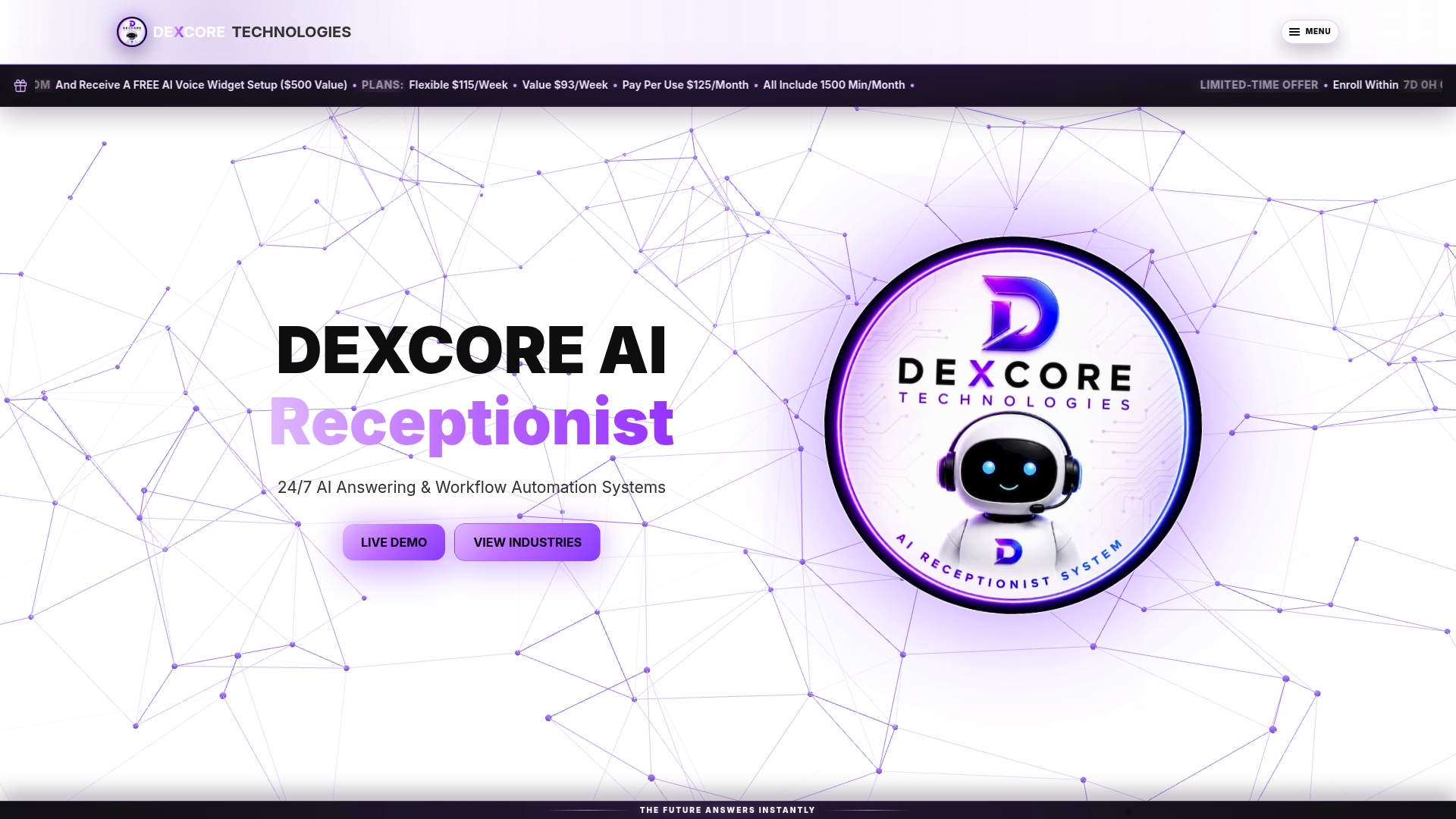
At a Glance
DEXCORE's marketing materials state a potential ROI of up to 942%. That figure appears in vendor materials as a headline claim. The service provides 24/7 call answering and real-time appointment booking to recover missed leads and keep bookings flowing after hours.
Core Features
The system uses an AI Receptionist to answer inbound calls, capture structured customer details, handle FAQs, and route requests into workflows. It supports appointment booking and dispatch automation, plus post-call follow-up via SMS and reminders. Integrations with CRM, calendar, POS, dispatch, and messaging platforms let captured leads flow into existing software stacks without manual re-entry.
Key Differentiator
Tailored, industry-specific automation workflows designed for quick deployment and seamless integration into existing systems. DEXCORE builds workflows for restaurants, clinics, salons, contractors, and transport services so the call flows match real business processes. That focus reduces the customisation most providers ask for and shortens onboarding time.
Pros
Automates customer interactions to reduce missed calls and increase booking capacity during peak hours and after hours. The service keeps lines answered 24/7, which preserves live opportunities and supports later follow-up. Tailored workflows and direct integrations let captured lead data update your CRM and calendars automatically. Dedicated onboarding and ongoing support speed implementation and help staff adopt new call handling without heavy internal IT work.
Cons
- Dependence on existing software integrations may require technical setup for complex workflows, adding initial configuration time and vendor or developer involvement.
Notable Integrations
- Acuity Scheduling
- Square Appointments
- Fresha
- Vagaro
- Jane App
- Cliniko
- SimplePractice
- NexHealth
Who It's For
Customer-heavy service businesses in Canada needing reliable, automated customer communication and booking solutions. Examples include med spas, clinics, restaurants, salons, and home service contractors that want fewer missed calls and more booked appointments. Teams that already use a CRM, calendar, or appointment platform benefit most from the direct integrations.
Unique Value Proposition
Includes 1,500 call minutes per month in base plans, with flexible options such as pay-per-use at $0.33/minute and starter pricing from $115/week. That pricing and minute inclusion lets small teams compare predictable weekly costs against hourly receptionist labour. The model reduces the administrative burden of manual callbacks and preserves staff time for higher-value client work.
Real World Use Case
A busy med spa uses DEXCORE to answer after-hours calls, book consultations directly into staff calendars, and send automated SMS confirmations. The system captures client contact details, routes leads to the CRM, and triggers reminder messages ahead of appointments. The clinic reports fewer missed opportunities and smoother daily schedules.
Pricing
Flexible plans start at $115/week, with pay-per-use available at $0.33/minute, and base plans include 1,500 call minutes per month. Full automation features may sit behind premium plan tiers, which can raise costs for very small operations or for teams with high call volume.
Website: https://dexcoretechnologies.ca
Voksha
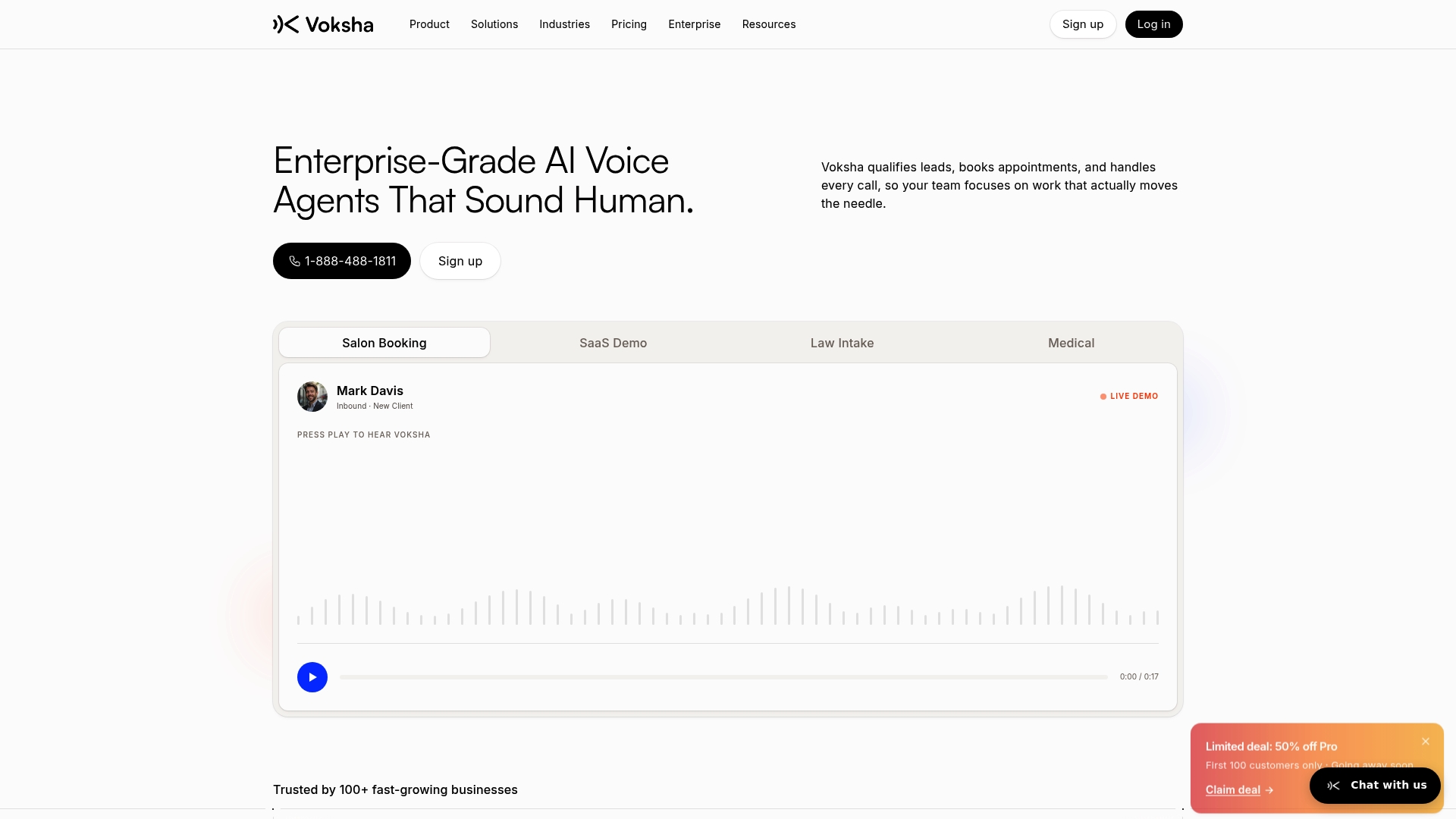
At a Glance
Voksha reports sub-200ms response times for its natural voice AI. The system runs 24/7 to qualify leads, book appointments, and capture real-time transcripts. The vendor claims adherence to HIPAA and GDPR, positioning the product for security sensitive use cases.
Core Features
Voksha combines natural voice AI, appointment booking, lead capture, call summaries, and real-time transcripts into a single voice automation product. The platform includes smart call routing, escalation handling, and analytics for call performance and staffing insights. The vendor states integrations with CRM, calendar, and support tools, citing more than 78 available connections.
Key Differentiator
Voksha emphasises high speed and human like conversations paired with strong security controls. It also offers industry specific training so dialogue matches sector terminology and compliance expectations.
Pros
Setup is quick and can be completed in minutes, which helps teams get live faster and reduce missed calls. The platform supports multiple languages, customisable greetings, and a broad set of integrations with CRMs and calendars. The vendor advertises a 99.9% SLA guarantee for enterprise plans, and the pricing structure aims to cut costs compared with hiring full time reception staff.
Cons
- No independent third party review summaries are publicly available, so user reported weaknesses are limited.
- Public user feedback is sparse, leaving real-world issues and edge cases unclear.
- Carrier specific call forwarding setup may be required and can add configuration work.
When It May Not Fit
If your organisation needs visible third party reviews before buying, Voksha may feel risky. Businesses with unreliable internet or unstable integrations will see degraded performance. Small single location teams with minimal call volume might find a simpler answering service more cost effective.
Notable Integrations
- Salesforce
- HubSpot
- Google Calendar
- Microsoft Dynamics 365
- Zendesk
- Slack
- Twilio
Who It's For
Medium to large organisations and multi location operations that require secure, customisable voice automation benefit most from Voksha. Teams handling regulated data or high call volumes will value the security claims and industry training options. IT teams comfortable with integration and carrier settings will deploy faster.
Real World Use Case
A law firm uses Voksha to automate intake calls, capture client details, and schedule consultations without dropping leads. After hours enquiries route to a support queue with call summaries emailed to staff the next morning. The setup reduces time staff spend on basic screening and keeps the diary full.
Pricing
Plans start at $14/month for basic use and scale through tiered options for growing businesses. Enterprise plans are customised to volume and compliance needs, with tailored SLAs and onboarding.
Website: https://voksha.com
Upfirst
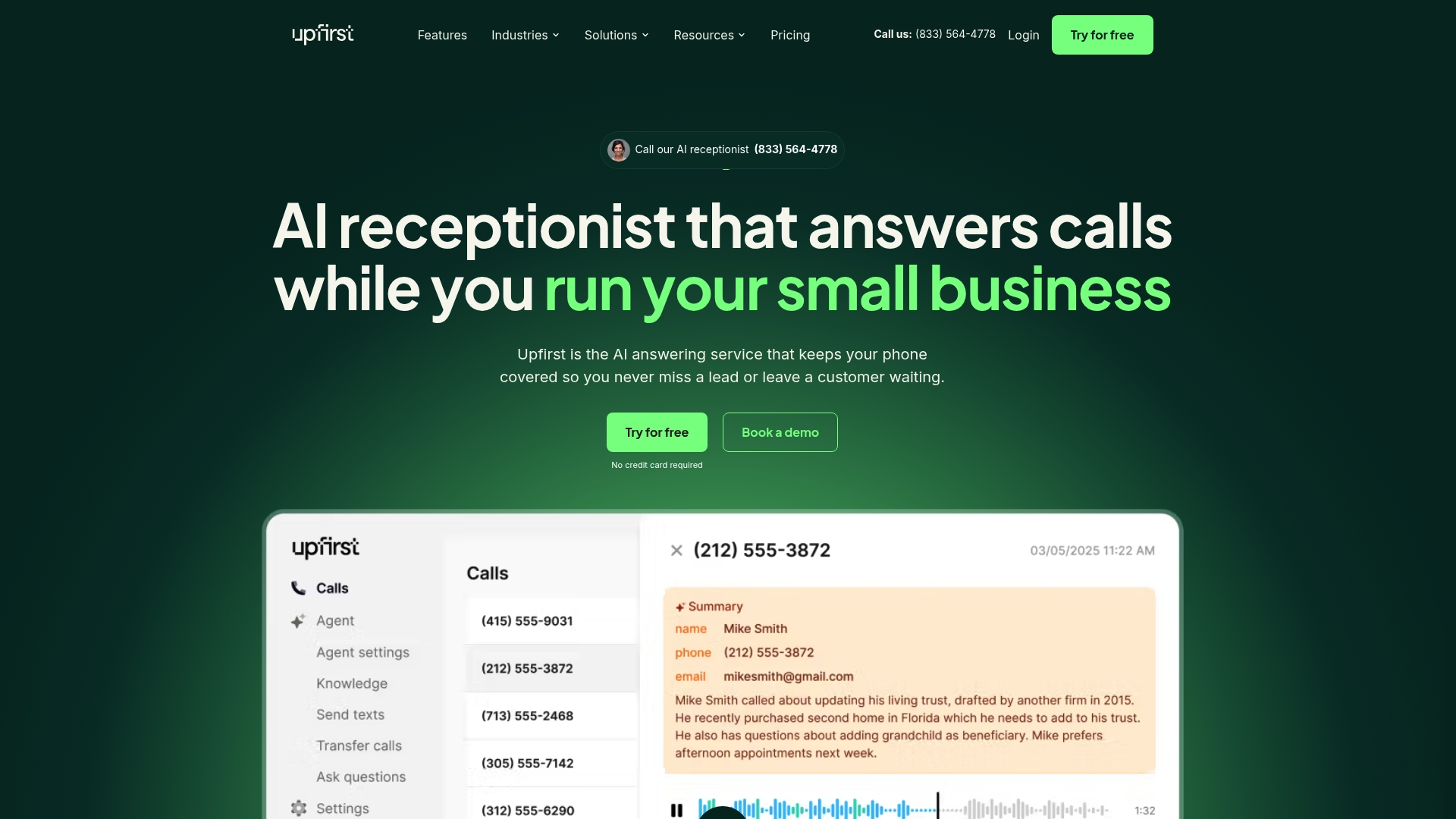
At a Glance
Upfirst lists 24/7 answering and natural AI voices as core capabilities that reduce missed calls for small firms. The vendor advertises plans starting at $24.95/month, aimed at replacing costly human answering services. The service emphasises quick setup, multilingual voices, and built in CRM and calendar links.
Core Features
Upfirst routes calls for full-time answering or overflow and after hours, and it lets you ask custom questions to qualify leads. Calls arrive as summaries, transcripts, and recordings by email or SMS, and appointments sync with Google Calendar or Outlook. The platform supports multiple languages and includes spam filtering to cut nuisance calls.
Key Differentiator
Upfirst combines high quality, natural AI voices with native CRM links such as Clio and HubSpot. That pairing makes it easier for legal and professional teams to capture structured intake without extra data entry. The simple onboarding and dedicated support shorten the time from sign up to live answering.
Pros
Upfirst offers an affordable entry price and a clear route to replace traditional answering services for small practices. Native CRM links, appointment sync, and call summaries reduce manual follow up and keep case or client records current. The natural sounding voices make customer interactions feel less robotic, and the vendor highlights an easy setup process with dedicated support for initial configuration.
Cons
-
Learning curve for advanced features. Some teams will need time to master custom question flows and transfer rules.
-
Occasional glitches with integrations. Linking calendars or CRMs may require troubleshooting during setup.
-
Multiple transfer rules require manual setup. Complex routing needs extra configuration and testing.
When It May Not Fit
Upfirst may not suit organisations that need deep telephony customisation or complex multi site routing out of the box. Enterprises with bespoke PBX requirements should look for a solution geared to heavy customisation. Teams that lack technical support capacity should plan for onboarding time to get integrations reliable.
Notable Integrations
Upfirst connects with scheduling and CRM tools directly. Supported integrations include Acuity Scheduling, Calendly, Clio, Google Calendar, Outlook, and Zapier. The vendor also offers custom integration options for platforms that need tailored connections.
Who It's For
Small business owners and service professionals who handle client intake by phone will get the most value. Legal practices, healthcare clinics, real estate agents, and service shops that want appointment booking and recorded intake benefit from this setup. Teams that prefer low cost, voice first answering will find the feature mix relevant.
Real World Use Case
A law firm routes after hours calls to Upfirst. The system asks intake questions, records client details, and writes a short call summary to email. Scheduled consults appear in the firm calendar automatically, reducing missed leads and administrative follow up.
Pricing
Pricing starts at $24.95/month with options for higher volume plans and add ons for extra calls. Custom pricing is available for larger or enterprise needs. The model targets small practices that want predictable monthly billing.
Website: https://upfirst.ai
Xevra
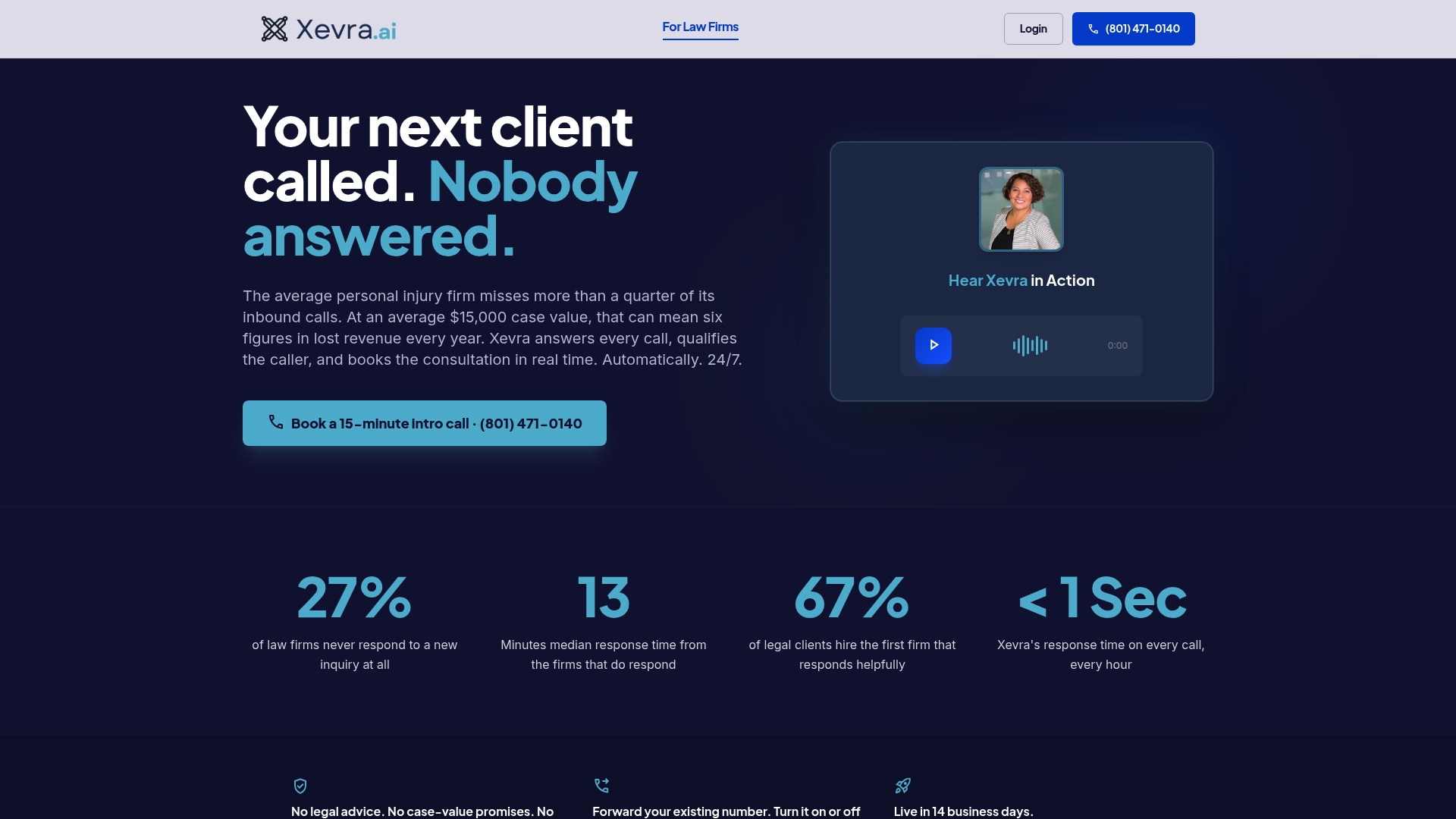
At a Glance
Xevra manages the receptionist service end to end so your firm needs no IT setup and no ongoing configuration. The company states deployment takes about 14 business days. The offering combines round the clock answering with intake, booking, and recorded transcripts.
Core Features
Xevra answers inbound calls 24/7 and captures structured intake using customizable questions. The service books consultations directly into existing calendars and routes urgent calls to designated team members. Calls are recorded, transcribed, and summarized within minutes, according to Xevra.
Key Differentiator
Xevra builds, integrates, tunes, and manages the whole system so your staff do not touch configuration or training. That managed approach reduces internal setup time and keeps operation changes off your IT backlog. The model suits a firm that prefers a hands-off service rather than a self-managed tool.
Pros
Xevra makes sure every call is answered, which lowers the chance of missed leads and unattended after-hours inquiries. Automated intake captures client details and booking information and hands them to your team in a ready-to-act format. The vendor offers flat monthly pricing and advertises no per-call charges, simplifying budgeting for firms with variable call volumes.
Cons
- No independent reviews are publicly available. This limits third party verification of performance and user satisfaction.
- The system is an intake tool and cannot provide legal or financial advice. Complex professional questions will still need human follow up.
- Firms that require deep custom routing or on prem integrations may find the managed model restrictive. Evaluation is necessary before committing.
When It May Not Fit
If your firm wants an in-call adviser to give regulated legal or financial guidance, Xevra is not the right fit. If you need a platform you can host or heavily customise in house, the managed service model will feel limiting. Firms that depend on proprietary telephony or bespoke CRM connectors should confirm compatibility before buying.
Notable Integrations
Xevra connects with Google Calendar and Outlook Calendar to insert booked consultations directly into staff schedules. Calendar syncing is two-way so bookings show up in existing daily views. The integration list is focused and does not include broad CRM connectors by default.
Who It's For
Professional services firms with steady inbound calls and after hours enquiries will see the most value. Law firms, accountants, and insurance agencies that want to capture intake without adding staff fit this profile. The service suits team that prefer a managed solution rather than a self configured product.
Real World Use Case
A personal injury law firm uses Xevra to answer calls outside office hours and to book initial consultations. The receptionist captures client contact data and incident details and places the appointment in the lawyer's calendar. The firm receives call transcripts and summaries so intake staff can triage new matters the next business day.
Pricing
Pricing is a flat monthly fee starting at $1,200 for up to 300 calls, with higher tiers for larger volumes and one time setup fees. The flat model removes per-call billing variability but requires matching a plan to expected monthly call volume. There are no long term contracts listed.
Website: https://xevra.ai
Skaala
At a Glance
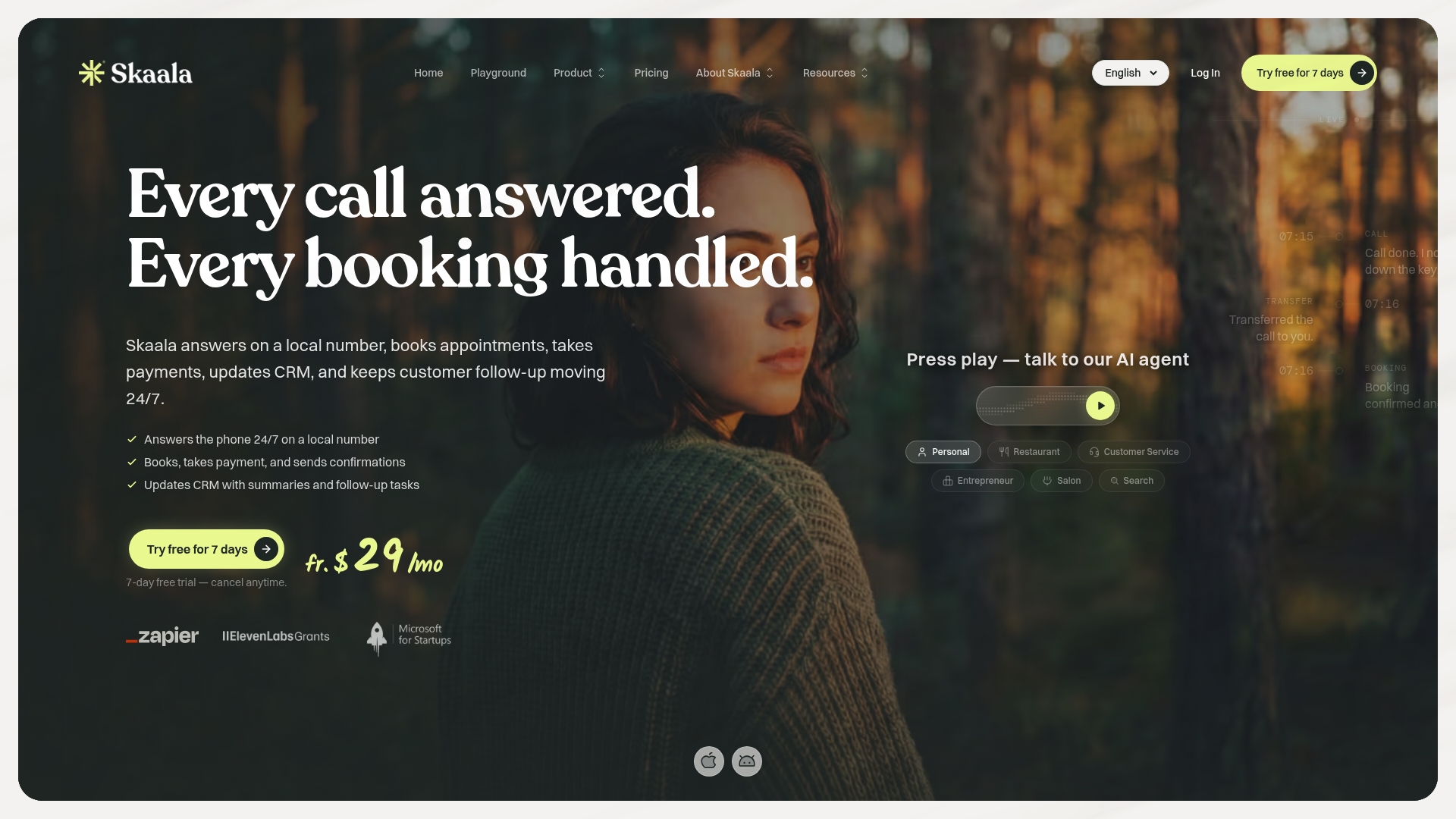
Accepts payments during live calls while writing CRM summaries and booking appointments automatically. The system supports more than 70 languages and offers a web chat widget for 24/7 booking on websites. Plans start at $29/month with a seven-day free trial and no long-term commitments.
Core Features
Skaala combines 24/7 automated call answering with appointment booking that syncs to calendar services. Calls can collect payments via Stripe and push call summaries and customer history back into CRMs. The product also offers a web chat widget and connects to thousands of apps through Zapier for follow up and automation.
Key Differentiator
Skaala groups call answering, booking, payment collection, and CRM updates into a single flow that runs without adding staff. That combined workflow reduces the number of separate tools you must configure for phone driven bookings. For small service businesses that take payments by phone, this is a single vendor path from initial call to booked, paid appointment.
Pros
Automates the phone front desk so you miss fewer calls and follow up tasks. Integrations with Google Calendar, Microsoft Outlook, Stripe, and Zapier let you keep existing calendars and payment rails. The pricing model includes a seven day free trial and no lock in commitment which lowers the adoption risk. Industry templates for salons, clinics, and restaurants reduce the setup time for common call flows.
Cons
- Third party reviews are not available, so independent user feedback on reliability and edge case handling is limited.
- As an AI receptionist, the system may struggle with highly complex or emotionally sensitive calls compared with an experienced human receptionist.
- The published pricing references included minutes and custom enterprise tiers, but minute thresholds for higher plans are not listed in detail.
When It May Not Fit
If your business needs a receptionist to handle sensitive client conversations or complex negotiation, a human team member will perform better. Companies that require detailed minute reporting or a clear per minute cost for scaling may find the published pricing too vague. Organisations that need certified telephony or bespoke on prem integrations should confirm technical support before committing.
Notable Integrations
- Google Calendar for appointment sync.
- Microsoft Outlook for calendar and scheduling.
- Stripe for payment collection during calls.
- Zapier to connect thousands of other apps for notifications and workflows.
Who It's For
Small service business owners who want to convert more phone inquiries into appointments without hiring extra staff. It fits salons, clinics, restaurants, hotels, and professional services that take bookings and payments by phone. Owners who already use Google Calendar or Stripe will find setup faster.
Real World Use Case
A beauty salon routes after hours calls to Skaala. The assistant books appointments directly into the salon calendar, charges deposits through Stripe, and appends each call to the salon CRM as a contact and summary. Front desk staff then work from a cleaner schedule and spend less time on repeat data entry.
Pricing
Plans start at $29/month with a seven day free trial and no long term commitment. The entry plan includes a set number of included minutes and higher tiers scale to custom enterprise offerings. Exact minute allocations for each paid tier are available from the vendor.
Website: https://skaala.ai
Comparison of alternatives
Among virtual receptionist options, DEXCORE Technologies excels in delivering industry-specific workflows, ensuring integration and reduced deployment time. This comparative analysis explores key differentiators across prominent competitors.
Payment Processing Integration
Skaala provides superior capability for handling payments during customer calls. With Stripe integration, businesses can accept deposits while booking, streamlining financial interactions effectively. This distinguishes Skaala from competitors lacking integrated payment solutions.
Managed Deployment Approach
For organisations preferring minimal technical involvement, Xevra emerges as an effective option. Its fully managed setup eliminates the burden of IT configuration while preserving receptionist functionalities. This makes Xevra ideal for firms prioritising hands-off operations.
Best fit
- Businesses needing tailored workflows for industry-specific automation will benefit most from DEXCORE Technologies.
- Enterprises handling financial transactions via calls should consider Skaala.
- Organisations prioritising multilingual support for global outreach might prefer Voksha.
- Firms requiring end-to-end managed services could select Xevra.
Our pick
DEXCORE Technologies offers a unique advantage by providing tailored workflows that reduce the effort required for customisation and onboarding. Its integration with existing systems allows rapid deployment, making it the top choice for businesses seeking reliable systemic enhancement. For firms without a pre-existing software ecosystem, alternatives like Skaala can provide comparable benefits in their specialised niches.
Deciding on a virtual receptionist for your business involves evaluating features, pricing, and suitability. The following table compares notable products to help you choose.
| Product Name | Core Feature | Key Differentiator | Pricing | Notable Limitation |
|---|---|---|---|---|
| Dexcoretechnologies | AI receptionist with seamless integrations | Tailored Industry-specific workflows | $115/week | Requires setup for advanced workflows |
| Voksha | Natural voice AI with call transcription | High security with compliance | $14/month | Limited third-party reviews available |
| Upfirst | 24/7 answering with CRM integration | Affordable starting prices | $24.95/month | Requires configuration for advanced routing |
| Xevra | End-to-end intake service | Fully managed system | $1,200 flat monthly | Restrictive managed service for custom heavy needs |
| Skaala | Call answering with payment processing | Single workflow integration | $29/month | Limited transparency on minute allocation in plans |
What Challenges Are You Facing With AI Receptionist Alternatives Like Smith AI?
Many small and medium Canadian service businesses encounter missed calls and lost leads from after-hours or high-volume periods. Dexcoretechnologies addresses these issues with 24/7 AI receptionist and workflow automation tailored to your sector. The system goes beyond basic call answering by capturing client details, booking appointments in real time, and sending automated notifications.
Boldly reduce administrative workload and keep your team focused on valuable client care. Dexcoretechnologies claims a potential ROI of up to 942% through reliable lead capture and smart workflow routing. Explore how this solution fits customer-heavy businesses like clinics, salons, restaurants, and contractors on Dexcoretechnologies.ca.

See how automated call answering with integrated appointment booking benefits your business. Visit Dexcoretechnologies.ca to learn about plans that include 1,500 call minutes monthly and let your staff concentrate on what matters most.
FAQ
How does Dexcoretechnologies' AI Receptionist support after-hours bookings?
Dexcoretechnologies automates customer interactions by providing 24/7 call answering and real-time appointment booking. This feature helps capture missed leads and keeps bookings flowing after hours, ensuring opportunities are not lost.
What is the difference between Voksha and Dexcoretechnologies?
Voksha emphasises high-speed performance with sub-200ms response times and offers 99.9% SLA guarantees for enterprise plans. Dexcoretechnologies, on the other hand, provides tailored industry-specific automation workflows, which may better suit businesses requiring reduced customisation and quicker deployment.
Which platform is better for small teams, Upfirst or Dexcoretechnologies?
Upfirst offers affordable plans starting at $24.95/month and supports quick setup for small teams. Dexcoretechnologies, with its starting price of $115/week, may provide more advanced features, such as greater integration options for teams that need extensive appointment and CRM management.
Can I use Dexcoretechnologies if I need multi-language support?
Dexcoretechnologies primarily focuses on industry-specific automation but may not explicitly highlight multi-language support like some competitors. Small teams needing multilingual capabilities might want to consider alternatives like Voksha that support multiple languages.
What is the cost for 1,500 call minutes on Dexcoretechnologies?
The base plans for Dexcoretechnologies include 1,500 call minutes per month, starting at $115/week. This pricing structure provides a predictable cost for small teams comparing against hourly receptionist labour.