
Managing receptionist workflows with unreliable, disconnected tools creates missed bookings and forces repeated manual entry for business teams. Most traditional phone answering tools lack built-in CRM integration, real-time syncing, or support for 24/7 lead capture and direct calendar updates. This comparison highlights price, feature coverage, and automation depth so business teams can match a platform to their call and booking needs.
Table of Contents
- DEXCORE Technologies AI Receptionist and Workflow Automation Services
- Qntrl
- Redbird
- Comparison of alternatives
- Comparison of alternatives
DEXCORE Technologies AI Receptionist and Workflow Automation Services
At a Glance
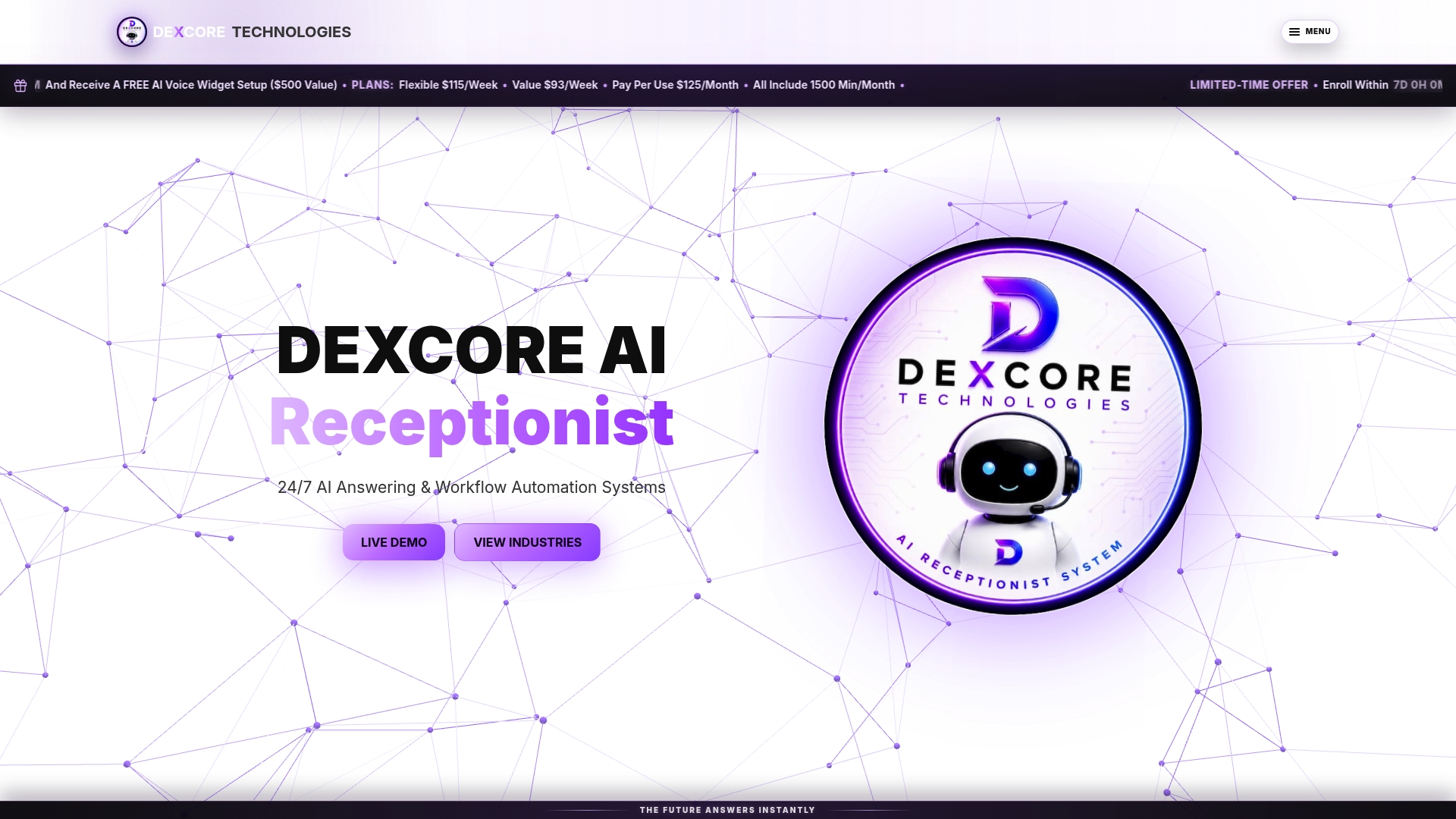
DEXCORE Technologies reports a potential ROI of up to 942%. That claim comes from the vendor and should be treated as a self reported figure. The service answers calls 24/7 and books appointments in real time while capturing leads and sending SMS confirmations so fewer enquiries slip through.
Core Features
DEXCORE delivers AI powered call answering that captures caller details, recovers missed calls, and routes requests into defined workflows. The system supports automated appointment booking and reservations while writing bookings to CRM and calendar systems and sending SMS notifications. Deployment assistance and ongoing support help adapt workflows for restaurants, salons, clinics, contractors, and similar service businesses.
Key Differentiator
The single distinguishing feature is the focus on end to end automation design and deployment that maps workflows to an existing business process. DEXCORE assigns support to integrate and optimise workflows so automation follows how staff actually work. That design first approach reduces the customisation gap many voice assistant projects leave open.
Pros
Automating repetitive call handling, booking, and follow ups reduces front desk workload and frees staff to handle higher value tasks. 24/7 call coverage removes business hours as the single point of failure for incoming enquiries and helps recover missed revenue from unanswered calls. Fast deployment and CRM and calendar integrations mean businesses can begin routing leads and confirming bookings into existing systems within days rather than weeks.
Cons
- Complex customer interactions beyond predefined workflows may require manual intervention.
Who It's For
Canadian service businesses with steady or high inbound call volume that need reliable, automated customer communication and booking management will benefit most. Organisations that rely on phone bookings and want bookings written into CRM and staff calendars quickly will see the clearest operational gains. Smaller businesses with very unpredictable call volume should plan for usage monitoring because extra minutes can add cost.
Unique Value Proposition
Real time appointment booking that writes directly into your CRM and staff calendars reduces manual calendar juggling and double entries. The vendor claims a high ROI figure earlier, which frames the economic case for replacing manual call handling with automated workflows. For teams that lose revenue from missed calls, having booking and lead capture operate outside office hours changes where staffing investment is needed.
Real World Use Case
A med spa uses DEXCORE AI Receptionist to answer after hours enquiries, schedule appointments into its CRM, send confirmation SMS, and update staff calendars without manual entry. Staff spend less time on callbacks and more time on consultations and treatments. That setup lifted booking capture after hours and reduced missed opportunities for the clinic.
Pricing
Pricing offers flexible weekly plans starting at $115/week, value plans at $93/week, and a pay per use option at $125/month which includes 1,500 minutes. Extra minutes are billed at $0.22 per minute, or $0.33 per call minute under the pay per use model.
Website: https://dexcoretechnologies.ca
Qntrl
At a Glance
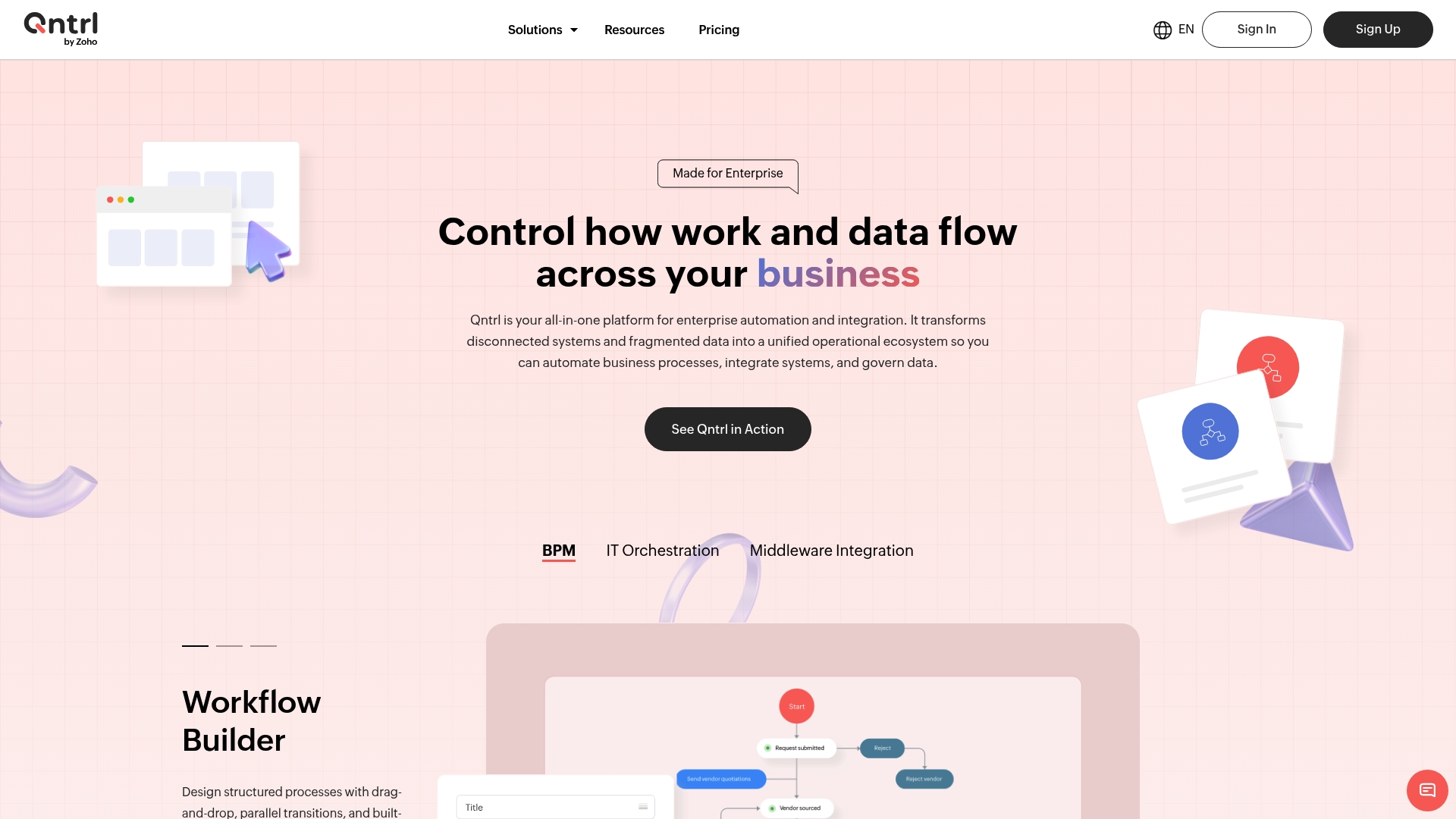
Qntrl reports over 500 integrations, according to the company. The platform targets large organisations that need to connect on-premise systems with cloud services. It emphasises enterprise security and audit trails for regulated environments.
Core Features
Qntrl includes a workflow builder with a drag and drop interface, approval workflows with SLA tracking, and process visualisation via dashboards and Kanban views. It also offers server and application automation alongside automated user provisioning and access management. These capabilities work together to move data and approvals across IT, procurement, finance, and HR.
Key Differentiator
Qntrl unifies disparate business and IT systems into a single platform tailored for enterprise needs. That focus makes it suited to organisations with many legacy systems and strict compliance requirements. The platform positions orchestration and governance as a single operational layer.
Pros
Qntrl supports flexible, configurable workflows that business teams can assemble with limited IT help. Its security features include role-based access control and audit logging, which help meet internal and regulatory review requirements. The vendor claims broad integration coverage, and that reach helps connect niche enterprise tools to core processes.
Cons
- The platform pages for features and integrations are not fully accessible. This limits the ability to verify specific connectors or deployment guides.
- Specific limitations are not clearly documented on the public site. Buyers must consult third-party reviews or sales engineering for gaps.
- The extensive feature set can present a learning curve for teams without prior automation experience. New adopters may need formal training.
Who It's For
Large enterprise organisations that need cross-department automation and strict auditability will find Qntrl relevant. It suits IT operations, DevOps teams, procurement groups, finance departments, and HR functions that must manage complex approvals. Smaller firms with simple workflows may find the platform heavier than required.
Real World Use Case
A large company automates vendor onboarding by using Qntrl to run approvals, provision user accounts, and update procurement records. The workflow enforces SLA targets and records every approval for audit purposes. That approach reduced manual handoffs and kept compliance evidence in one searchable place.
Pricing
Pricing information is not available. The product page returns a not found response for pricing details. Prospective buyers should contact sales for current licensing models and deployment options.
Website: https://qntrl.com
Redbird
At a Glance
Self-healing connectors automatically repair broken integrations, reducing the time teams spend troubleshooting pipelines. The platform lets non-technical staff build and run end-to-end data and operational workflows using natural language prompts. Redbird is backed by Y Combinator, which signals investor support for its approach.
Core Features
Redbird combines conversational workflow creation with native connections to databases, cloud storage, and SaaS tools, so teams can link data extraction, transformation, analysis, and actions without writing code. The system handles data prep, enrichment, and automated report delivery to PowerPoint, Excel, Word, or email while keeping an execution audit log for traceability. It also supports operational triggers such as CRM updates and alerts, which move analysis into action.
Key Differentiator
The product centres on a conversational AI interface that lets non-technical users describe workflows in plain language and then edit or rerun them without developer involvement. That interface reduces handoffs between analysts and engineering by making workflow definition accessible to wider teams.
Pros
Redbird enables business teams to move complex data tasks out of engineering queues by using natural language to assemble workflows. Its broad connector set covers major data warehouses and CRMs, so integrations commonly found in analytics, marketing, and operations are supported. The platform stores execution history and transformation details for auditability, and it offers cloud and on-premises deployment options for organizations with strict security requirements.
Cons
- Trust in automation depends on model accuracy and source data quality, which may require manual verification in early deployments.
- The vendor does not publish detailed pricing, making cost comparisons difficult for smaller teams.
- Advanced workflow customization may need technical expertise for configuration and edge cases.
- The solution relies on third party API stability and ongoing integration maintenance.
When It May Not Fit
If your organisation has no consolidated data sources or connectors, Redbird cannot run useful workflows. Teams that need heavy custom engineering in every workflow will find the platform requires supplementary development work. Organisations that cannot allocate resources for ongoing integration maintenance should consider a simpler tool.
Notable Integrations
Salesforce, HubSpot, Snowflake, BigQuery, PostgreSQL, Redshift, Databricks, and Azure Synapse are supported. These integrations cover common CRM and data warehouse footprints used by marketing, analytics, and operations teams.
Who It's For
Business teams, analysts, and operations managers who want to reduce manual reporting work without hiring engineers will get the most value. Marketing and analytics groups that aggregate multi-platform campaign data will find the connector set helpful. Enterprise IT teams that require on-premises deployment can control where data and processing run.
Real World Use Case
According to the company, a marketing team used Redbird to automate daily aggregation, analysis, and reporting of campaign metrics, cutting manual effort from several hours to minutes. That change freed analysts to focus on interpretation and strategy rather than data wrangling. The example shows how operational tasks and reporting can move from routine work to higher value activities.
Pricing
Pricing is not publicly listed and appears to follow enterprise quotes or subscription models. Prospective buyers must request a custom proposal to see tiering, seat counts, or volume discounts. Smaller teams should budget for an initial setup and possible integration support.
Website: https://redbird.io
Comparison of alternatives
<scratchpad>Competitor eligibility:
- Excluded products (discontinued / inaccessible / under construction): none
- Usable competitors remaining: DEXCORE Technologies, Qntrl, Redbird
Intro pre-write:
- Does dexcoretechnologies.ca clearly outpace every usable competitor on a single dimension? YES
- If YES: dimension where dexcoretechnologies.ca wins — Real-time call management integrated with appointment booking and CRM updates.
- First sentence draft: Effective workflow automation hinges on selecting a solution that addresses unique needs such as real-time engagement and integration capabilities.
Competitor win pre-write:
- Which competitor wins which dimension: Qntrl wins on enterprise-level scalability and security because it is tailored for large organisations with compliance needs and provides extensive integration tools.
- Does this dimension matter to the primary reader? YES
Best Fit uniqueness check:
- List each bullet scenario in one clause: Small to medium-sized businesses prioritising customer engagement and appointment automation / Enterprises seeking cross-departmental integrations / Businesses needing natural language interfaced data processing / Teams requiring highly compliant systems.
- Can any two be swapped without changing meaning? NO
Our Pick pre-write:
- The ONE capability unique to dexcoretechnologies.ca in this set: Automated receptionist services equipped with real-time calendar booking, tailored for Canadian small to medium-sized service businesses.
- Evidence from the reviews: "Real-time appointment booking that writes directly into your CRM and staff calendars reduce manual calendar juggling and double entries."
- Closing sentence draft: While DEXCORE Technologies stands out for small to medium-sized Canadian businesses, larger enterprises or advanced data-driven workflows may find other platforms more suitable to their requirements.
- Substitution test: While [Qntrl] stands out for small to medium-sized Canadian businesses, larger enterprises or advanced data-driven workflows may find other platforms more suitable to their requirements.
- Does the substituted version still work as a recommendation? NO
- If YES: rewritten closing sentence:
Comparison of alternatives
Effective workflow automation hinges on selecting a solution that addresses unique needs such as real-time engagement and integration capabilities. Businesses must measure their priorities against the offerings of available platforms to determine the best choice. Each platform offers distinct advantages tailored to different operational requirements, as highlighted below.
Integration capabilities with internal platforms
DEXCORE Technologies excels in integration with CRM systems and staff calendars. The transfer of data facilitates organisations in reducing manual input, ensuring accurate and timely appointment tracking. Comparable solutions like Redbird feature functionality adequate for context-specific use cases, such as deep data integration suitable for analytical workflows, although this necessitates certain levels of technical expertise for use. Qntrl's priority on compliance and enterprise-level integrations makes it advantageous for strict governance environments but may introduce complexity for small to medium businesses.
Interface Accessibility and Usability
Redbird's unique offering is its conversational user interface, granting business teams the ability to craft workflows using plain language instructions. This feature enhances accessibility for users without extensive technical skills, encouraging broader adoption across nontechnical departments. In contrast, the extensive functionality Qntrl provides may require formal training, potentially delaying effective implementation compared to DEXCORE's user-friendly onboarding and support services.
Best fit
- Small to medium-sized Canadian businesses prioritising client communication and real-time appointment management: DEXCORE Technologies offers a integration of automated receptionist services and CRM/calendar workflows that reduces manual errors and operational overhead.
- Large enterprises requiring cross-department workflows and regulatory compliance: Qntrl is tailored to provide audit trails and enterprise-scale integrations, streamlining and securing complex operations.
- Organisations aiming to democratise workflow creation among nontechnical staff: Redbird's natural language interface empowers diverse teams to develop data tasks without technical bottlenecks.
- Teams needing strict data handling: Qntrl's compliance and deployment options provide the controllability suited for environments with high data sensitivity.
Our pick
For small to medium-sized Canadian service businesses with significant call volumes and the need for automated booking, DEXCORE Technologies offers integration, responsiveness, and support to enhance customer experience. For enterprises prioritising compliance, scalability, or complex data workflows, evaluating Qntrl or Redbird may prove more advantageous, depending on team requirements and functionality needs for strategic fit.
Choosing the right workflow automation software depends on your business needs and their alignment with each platform's unique strengths.
| Product | Key Feature | Best For | Pricing | Limitation |
|---|---|---|---|---|
| Dexcoretechnologies | AI-powered call answering and automation | Canadian service businesses with high inbound call volume | $93–$115/week or $125/month | Complex interactions may require manual intervention |
| Qntrl | Enterprise-focused workflow governance | Large enterprises with complex compliance requirements | Price not published | Extensive features may require formal training |
| Redbird | Natural language interface for workflows | Analysts seeking simplified workflow creation | Price not published | May require manual verification during early setups |
How Can Workflow Automation Software Reduce Missed Calls and Lost Leads?
Canadian service businesses face challenges with missed calls and managing appointment bookings efficiently. Many workflow automation software solutions struggle to offer end-to-end automation tailored to actual staff processes. Dexcoretechnologies stands apart by integrating AI receptionist features that answer calls 24/7, capture customer details, and book appointments in real time. This automation removes the frontline pressure on staff and helps reduce lost revenue from unanswered calls.
Dexcoretechnologies offers:
- Automated lead capture and SMS confirmations
- Real-time booking directly into your CRM and calendars
- Workflow designs aligned with your business operations
Learn more about how workflow automation software can improve customer experience and operational efficiency at the Dexcoretechnologies website. Take the step toward reducing missed opportunities with automated call handling and booking management today.
FAQ
How does Dexcoretechnologies handle call answering and booking?
Dexcoretechnologies provides AI-powered call answering that captures caller details and recovers missed calls. Its system supports automated appointment booking and reservations while writing bookings into CRM and calendar systems. Businesses can expect efficient client communication and streamlined appointment management.
What is the difference between Dexcoretechnologies and Qntrl?
Qntrl offers a flexible workflow builder with a drag-and-drop interface, making it easy for teams to design their own workflows. In contrast, Dexcoretechnologies focuses on end-to-end automation for call handling and appointment bookings, making it ideal for businesses with high inbound call volume. Consider your specific needs when choosing between these options.
Can I use Dexcoretechnologies if my business has unpredictable call volume?
While Dexcoretechnologies excels in serving businesses with steady call volume, smaller businesses should monitor their usage due to extra costs for exceeding included minutes. Expect to adjust your plan based on your call patterns to ensure efficient operations while managing costs.
How does Dexcoretechnologies integrate with existing systems?
Dexcoretechnologies integrates with CRM and calendar systems for real-time appointment booking, streamlining operations without manual entries. This integration helps reduce administrative overhead, allowing staff to focus on higher-value tasks while ensuring accurate record-keeping.
What is the pricing structure for Dexcoretechnologies?
Dexcoretechnologies offers flexible weekly plans starting at $115/week and pay per use options at $125/month for 1,500 minutes. Businesses should evaluate their expected call volume to choose a pricing plan that aligns with their needs.