
Keeping up with round-the-clock appointment booking and client communication often overwhelms small business staff. Many generic workflow management platforms charge extra for SMS reminders, lack real human support, or do not integrate with Canadian industry calendars. This comparison weighs pricing, human support, and real automation across three AI receptionist alternatives so small business owners can pick the system that fits their operation and budget.
Table of Contents
DEXCORE Technologies
At a Glance
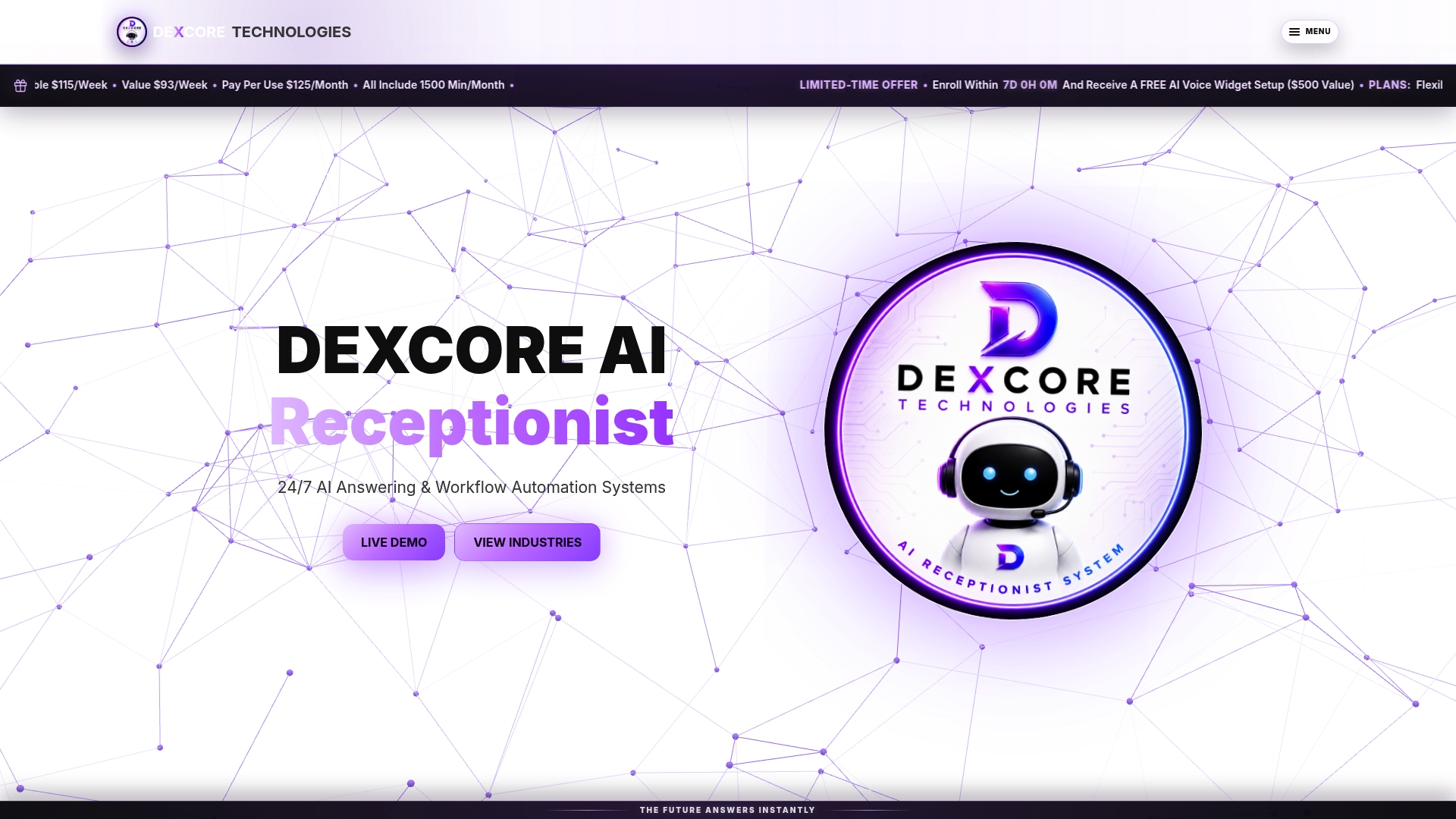
The vendor advertises a potential ROI of up to 942%. DEXCORE handles inbound calls around the clock with an AI Receptionist and 24/7 answering. The service captures leads, books appointments in real time, and routes requests into existing business tools. This setup reduces missed opportunities and lead routine tasks away from staff.
Core Features
DEXCORE combines an AI receptionist and answering service with automated appointment booking and reservations, all available for 24/7 operation. The platform includes workflow automation for lead routing, CRM updates, dispatching, and SMS confirmations, reminders, and follow ups. Dedicated onboarding and fast deployment are part of the package to match industry workflows.
Key Differentiator
Built around industry specific workflows with dedicated onboarding, DEXCORE focuses on quick implementation and real time automation of customer interactions. That emphasis shortens the time between deployment and usable automation. The approach targets common failure points such as missed calls and lost bookings.
Pros
Custom workflows map directly to a business process, which reduces manual routing and data entry. Dedicated onboarding and support accelerate deployment, so teams see working automations sooner. Built in SMS confirmations and follow ups keep customers informed while the system updates CRMs and calendars.
Cons
- Requires proper setup and integration for maximum ROI; smaller teams may need expert help to tune workflows.
Notable Integrations
- Square Appointments
- Fresha
- Vagaro
- Acuity Scheduling
- Cliniko
- Follow Up Boss
- Pipedrive
- Clio
Who It's For
Canadian businesses in hospitality, healthcare, professional services, and transportation that need reliable, always on customer communication and automated booking. Ideal users include restaurants, salons, clinics, contractors, and transport services with existing CRMs, calendars, or POS systems.
Unique Value Proposition
Dedicated onboarding that aligns workflows to specific industries lets operations start with production ready automations. That approach reduces configuration time and hands-on tuning compared with generic call answering services. For teams that lose revenue to missed calls, this changes the operational load and redirects staff time to higher value work.
Real World Use Case
A med spa uses DEXCORE to answer after hours calls and to book appointments automatically through its scheduling system. The system sends SMS reminders and updates the clinic CRM, which reduced no shows and recovered bookings that would otherwise be lost. Staff time formerly spent on phone triage moved to client care.
Pricing
Flexible plans include a tier at $115/week, a value option at $93/week, and a Pay Per Use plan at $125/month for 1,500 minutes. Custom quotes are available for larger or specialised deployments.
Website: https://dexcoretechnologies.ca
Acuity Scheduling
At a Glance
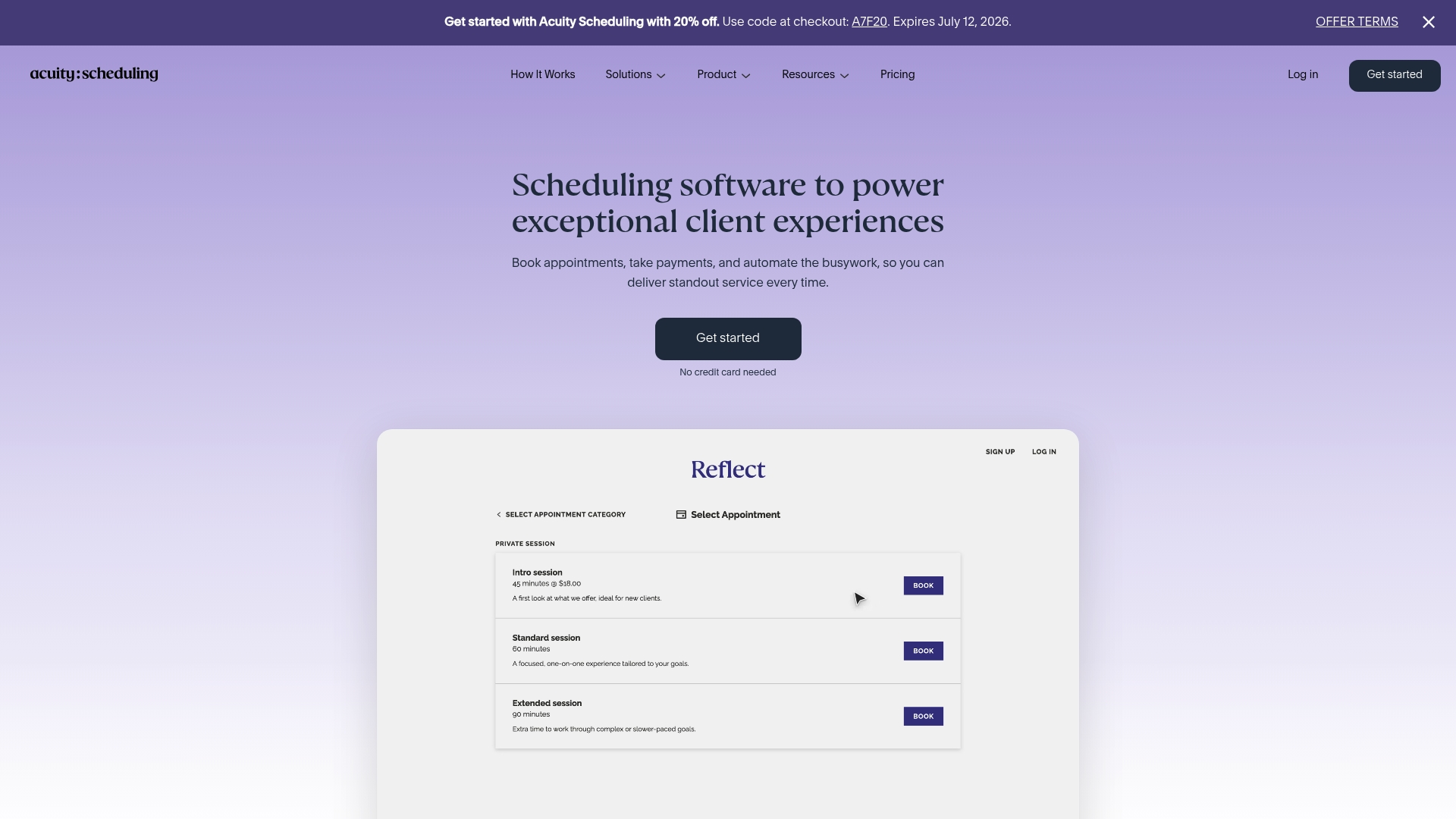
Acuity Scheduling operates under Squarespace, which explains its broad ecosystem links and polished booking pages. The product focuses on online appointment booking, client profiles, and built in payment options through Stripe, Square, and PayPal. Businesses with multiple locations can manage calendars and staff assignments from the same account.
Core Features
Acuity centralises online booking and customisable scheduling pages that match your brand and booking logic. It stores client profiles, supports intake forms, and sends automated email reminders, with SMS available on higher plans. Calendar management covers multiple calendars and resource allocation, and payments integrate natively with common gateways.
Key Differentiator
Acuity’s strength is its broad integration set paired with automation rules that reduce manual follow up. The service connects calendars, payment processors, accounting tools, and video meeting platforms so booking, invoicing, and virtual appointments occur without extra steps. That integration density makes it a practical hub for service businesses that already use several third party tools.
Pros
The interface is straightforward, so staff and clients adopt it quickly. The vendor advertises HIPAA compliance, which matters for clinics and practitioners who handle protected health information. Automation reduces manual appointment follow up and no shows, while multi calendar handling supports businesses with many practitioners. The system also offers payment processing through Stripe, Square, and PayPal, which simplifies checkout and refunds.
Cons
- Higher tier plans can be expensive for very small businesses. Upgrades are required for SMS reminders and some automation features.
- Lower tier plans limit customisation of booking pages, which can frustrate teams that need strict brand control.
- Some advanced automations and reporting require manual configuration and training before they deliver value.
When It May Not Fit
If your organisation needs SMS reminders on a tight budget, Acuity forces you toward higher priced plans. Businesses that require deeply custom booking flows beyond page templates may find the lower plans restrictive. Teams that expect out of the box reporting for complex revenue or usage analysis might need a separate analytics tool.
Notable Integrations
- Google Calendar
- Apple Calendar
- Stripe
- Square
- PayPal
- QuickBooks
- Google Meet
- Zoom
Who It's For
Service based businesses from solo practitioners to multi location clinics will find the feature set relevant. Practices that accept payments at booking and that already use calendar or accounting tools will benefit most. Organisations that prioritise vendor certified privacy controls and reliable uptime should evaluate Acuity closely.
Real World Use Case
A wellness clinic with several practitioners uses Acuity to publish staff calendars and allow clients to book specific practitioners. Clients receive intake forms and automated reminders, and payment is captured at booking or at visit time. That setup cut administrative booking calls and reduced no shows for the clinic.
Pricing
Plans start at $16/month for the Starter plan and go up to $49/month for the Premium tier, with a 7 day free trial and discounts for annual billing. Higher plan features such as SMS reminders and advanced automations require the upper tiers.
Website: https://acuityscheduling.com
Bookedin
At a Glance
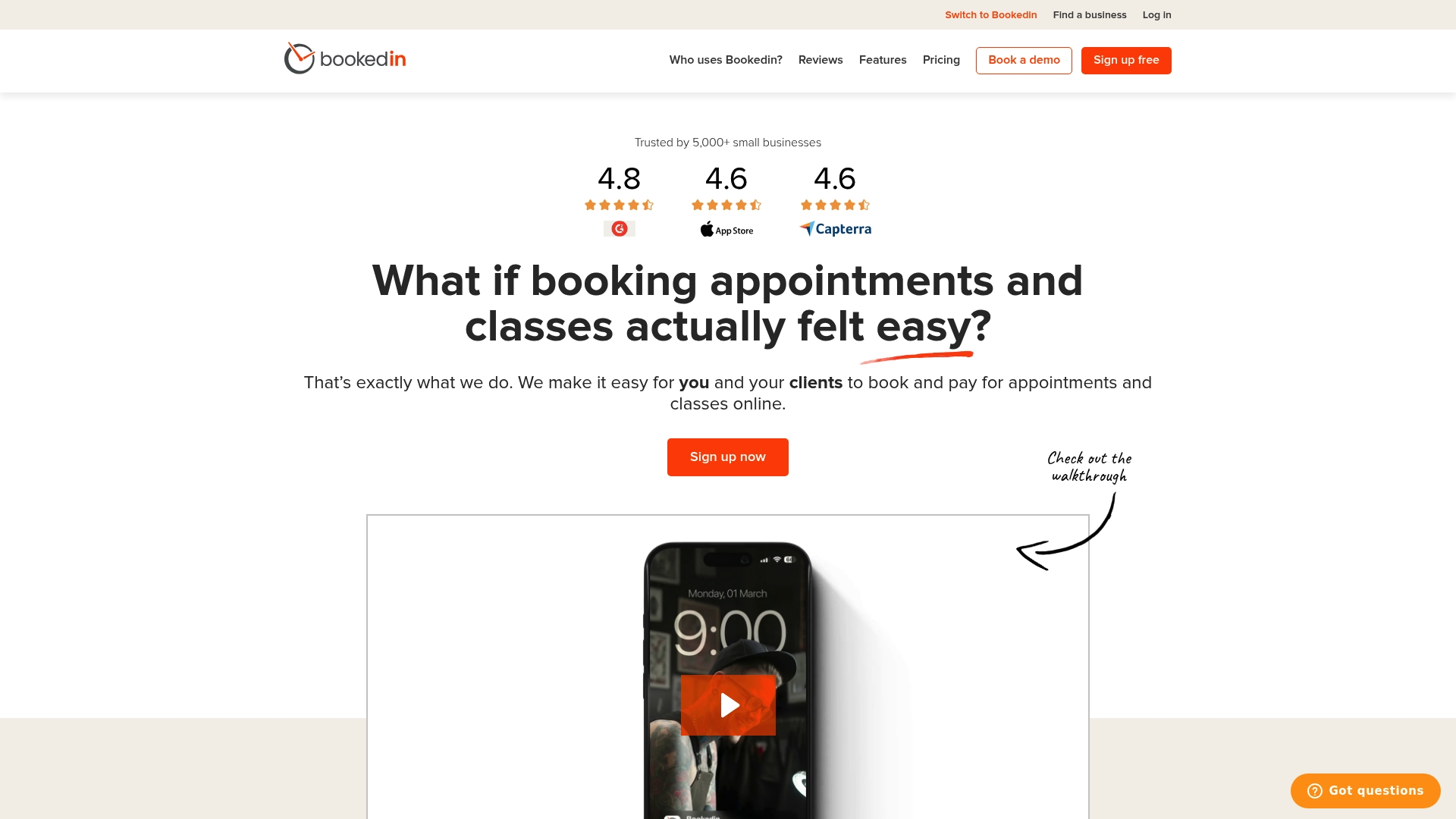
Bookedin has earned awards for its design and customer service. The product focuses on simple online appointment booking and payment for small service businesses. It pairs calendar management with automated reminders and offers a free plan plus monthly or annual paid options.
Core Features
Bookedin provides an online booking and payment system that accepts prepayments and deposits while keeping client records. It sends automated text and email reminders to reduce no-shows and manages calendars across multiple staff members. The platform also supports social media integration with Facebook and Instagram and offers customisable booking pages for websites.
Key Differentiator
The clearest advantage is Bookedin’s emphasis on real human customer support combined with an easy setup. That support, together with award recognition for design and satisfaction, makes the product appealing to owners who value hands-on help during onboarding and daily use.
Pros
Bookedin is quick to set up and uses straightforward menus that get staff booking within hours. Customer support involves live people rather than only Help Centre articles, which helps with real world configuration questions. Automated reminders work across text and email, which reduces missed appointments for small clinics and salons. Social media links and embeddable booking pages make it simple to accept bookings from Facebook and Instagram. A free plan and modest paid tiers keep the solution affordable for solo operators.
Cons
- Advanced workflow customisation is limited, so complex multi service or multi location rules may be hard to implement.
- Some buyer reviews report occasional bugs in notifications and calendar syncing, which can require manual fixes.
- The platform may not scale well for large enterprise teams that need deep policy controls or single sign on.
When It May Not Fit
If you need highly custom booking rules or conditional workflows, Bookedin may require manual configuration. Organisations that depend on perfect calendar synchronisation with many external systems could find the occasional reported bugs disruptive. Large enterprises that need centralised account management and advanced security controls will likely need a different product.
Who It's For
Bookedin fits small business owners and independent service providers who need straightforward appointment scheduling. Ideal businesses include salons, spas, fitness trainers, consultants, and small medical practices. It suits teams that prefer simple setup and access to live customer support during onboarding.
Real World Use Case
A boutique salon uses Bookedin to collect prepayments online, show staff availability, and send reminders by text and email. Front desk staff spend less time on phone bookings, and clients receive clear appointment confirmations. That combination reduces no-shows and frees staff to focus on service delivery.
Website: https://bookedin.com
Comparison of alternatives
To determine the most suitable workflow management solution, it is essential to focus on key differences between service offerings. Each of the platforms under discussion provides unique features tailored to specific business needs, such as the scope of integrations, accessibility of support, and operational scale.
Integration Capabilities and Customisation
Acuity Scheduling stands out in its integrations, connecting with payment gateways, video meeting platforms, and calendars. These features allow a smooth process for service bookings and payments directly through branded pages, which are customisable to match business aesthetics. This capability is particularly advantageous for firms seeking cohesive integration with existing tools and workflows. However, lower-tier plans may limit functionality, and certain automation capabilities might require additional configuration.
In comparison, DEXCORE Technologies offers tight integration with CRM systems and scheduling platforms alongside its AI receptionist. This pairing enables a continuous and automated customer communication experience, minimising operational downtime and redirecting staff time.
Usability and Support
Bookedin is recognised for its emphasis on ease of use and providing direct customer support, which significantly benefits smaller service-based businesses during setup and daily operations. It offers automated SMS and email reminder services and supports prepayment for appointments, simplifying operations for teams with straightforward scheduling needs. Nonetheless, its limited advanced customisation options may restrict scalability and flexibility when handling complex workflows.
DEXCORE Technologies employs a different model with dedicated onboarding, aiming to align to industries' needs and deploy faster. This feature is particularly useful for teams requiring quick functionality from their workflow systems.
Best fit
- Canadian-based companies needing 24/7 scheduling and communication tools with industry-specific workflows. Employing an AI receptionist and real-time calendar integration, DEXCORE Technologies ensures reliable customer interactions round the clock while reducing workloads for operations teams.
- Companies seeking a platform with strong integrations for payment processing and brandable booking pages will find Acuity Scheduling a great option, with its extensive support for third-party tools and customisation.
- Small businesses desiring straightforward setup with live human support and affordability can turn to BookedIn, popular for its user-friendly interface and accessible pricing plans.
Our pick
DEXCORE Technologies provides an exceptional combination of AI-driven receptionist services and streamlined workflow automation for organisations managing scheduling and lead interactions around the clock. For businesses prioritising flawless customer engagement and effective task distribution, DEXCORE is. However, organisations heavily dependent on diverse integrations for payment processing and analytic reporting might consider Acuity Scheduling to better fulfil their operational needs.
The following table highlights the key differences among the discussed AI receptionist platforms, focusing on their unique features, pricing, and limitations.
| Product Name | Core Feature | Key Differentiator | Pricing | Notable Limitation |
|---|---|---|---|---|
| Dexcoretechnologies | AI receptionist for appointment automation | Tailored workflows optimised for industry specifics | Plans from $93/week or pay-per-use from $125/month | Requires proper setup for smaller teams |
| Acuity Scheduling | Online scheduling and payment integration | Broad integration set with included automation | Starts at $16/month with advanced tiers available | Higher-tier plans needed for SMS notification features |
| Bookedin | Simple scheduling and prepayment automation | Strong customer support with live assistance | Free plan, paid options start with modest pricing | Limited advanced workflow customisation for complex services |
How to Solve Workflow Management Software Challenges in Canadian Businesses
Many businesses face losing leads and missing calls due to inefficient workflow management software. Key pain points include managing customer interactions outside office hours and booking appointments without manual steps. Dexcoretechnologies addresses these challenges with a 24/7 AI Receptionist that captures calls, books appointments in real time, and automates lead routing and notifications. This reduces missed opportunities and frees staff for higher-value tasks.
Benefits of Dexcoretechnologies include:
- Industry-specific workflow automation with dedicated onboarding
- Integration with existing CRMs, calendars, and POS systems
- Automated SMS confirmations and follow ups that keep customers informed
Learn about Dexcoretechnologies’ solutions for Canadian hospitality, healthcare, professional services, and transportation teams.

Struggling with lost bookings or inefficient call handling? Visit Dexcoretechnologies to book a consultation and see how AI-powered workflow automation can improve your team’s customer engagement and operational efficiency.
FAQ
How does Dexcoretechnologies support appointment automation for businesses?
Dexcoretechnologies automates appointment booking around the clock with its AI Receptionist. The service handles inbound calls and captures leads, ensuring that bookings are made in real time. Businesses can expect fewer missed opportunities, allowing staff to focus on other tasks.
What is the difference between Dexcoretechnologies and Acuity Scheduling?
Acuity Scheduling excels in its extensive integration set with various tools like Google Calendar and payment processors, enhancing overall workflow automation. Dexcoretechnologies is tailored for industries needing dedicated onboarding and real-time customer interaction, making it better suited for businesses focused on high-volume customer communication and booking automation.
Can I use Dexcoretechnologies for multiple locations?
Dexcoretechnologies is designed to support multiple business locations through its AI Receptionist and workflow automation features. This ensures that all teams, regardless of their location, can provide consistent customer service and manage appointments effectively.
Which integration options can I expect from Dexcoretechnologies?
Dexcoretechnologies offers notable integrations with systems like Square Appointments, Fresha, and Pipedrive, among others. This diverse integration potential helps businesses streamline their existing workflows by connecting to tools they already use.
How does dedicated onboarding change the implementation experience for Dexcoretechnologies?
Dedicated onboarding with Dexcoretechnologies aligns the workflows specifically to industry needs, speeding up the deployment process. This means users see results much quicker, as the system is set up to handle their unique operational requirements from the start.