
Relying on outdated or incomplete phone answering solutions leads to missed leads and more manual work for staff. Many systems lack deep integration with CRMs, calendar tools, or fail to provide reliable multilingual support and real call routing. This review compares pricing, workflow customisation, and integration limits across three AI receptionist platforms so you can match the right one to your business needs.
Table of Contents
- DEXCORE Technologies AI Receptionist and Workflow Automation Services
- Voksha
- Skaala
- Comparison of alternatives
DEXCORE Technologies AI Receptionist and Workflow Automation Services
At a Glance
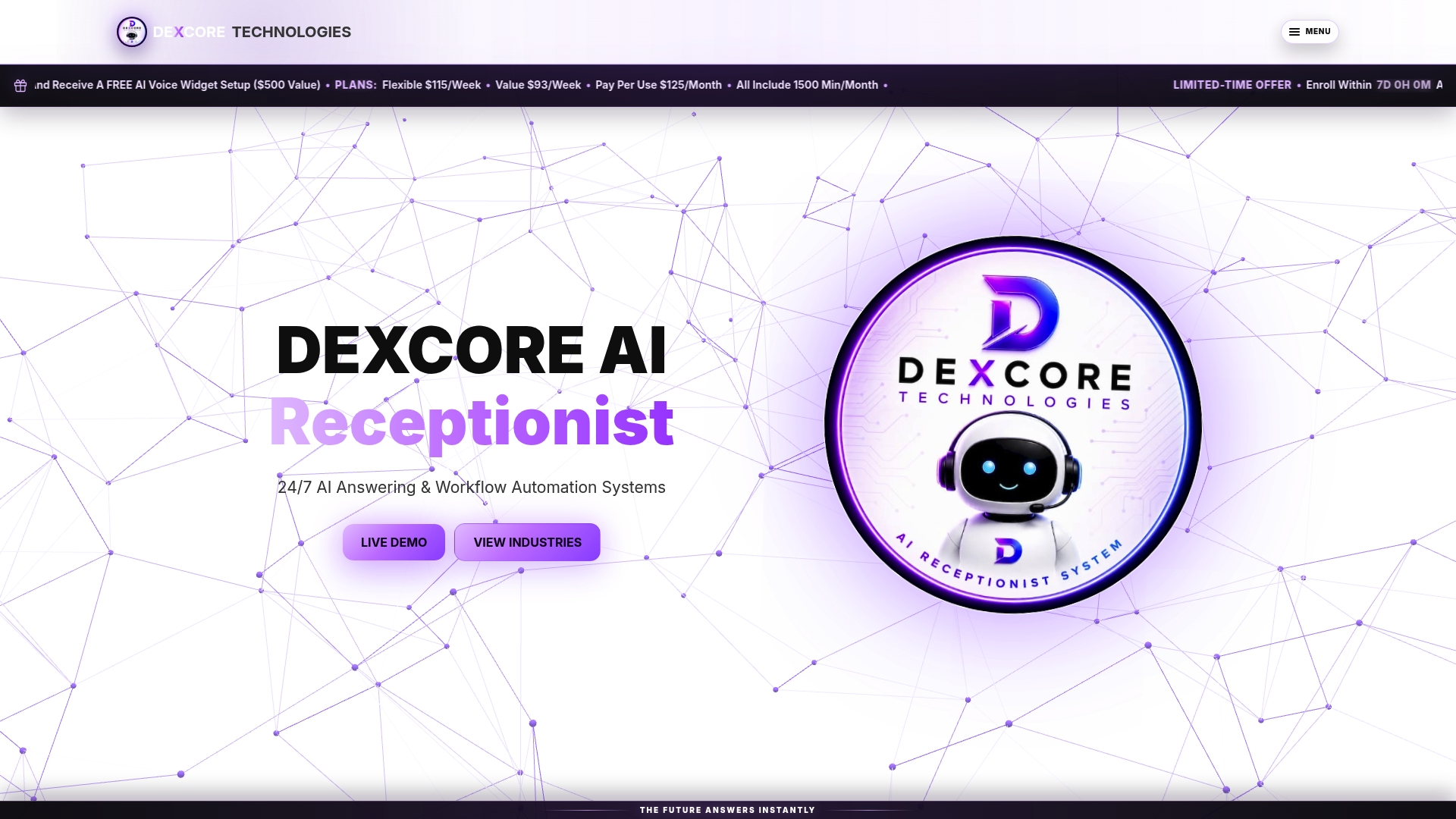
According to the company, deployments can deliver a potential ROI of up to 942%. This claim highlights the vendor focus on measurable cost recovery for customer-facing teams. The offering targets Canadian small and medium service businesses with 24/7 support and appointment automation.
Core Features
DEXCORE answers inbound calls with an AI receptionist that captures caller details and creates or updates records in connected systems. The platform supports booking automation and appointment scheduling while sending reminders and follow-up messages. It also routes leads into CRM, calendar, dispatch, POS, or scheduling systems so staff spend less time on manual data entry.
Key Differentiator
DEXCORE’s standout capability is custom-tailored automation workflows combined with live test experiences. The vendor configures workflows to match a business process and lets prospects run those workflows during a live demo. That approach reduces guesswork at purchase and shortens onboarding time.
Pros
The service offers 24/7 call answering so businesses capture enquiries outside office hours. Deep workflow customisation lets the system mirror existing procedures, from booking rules to lead routing. Strong integration with CRM and calendar platforms means updates and reminders flow automatically into the tools staff already use. Live demonstrations and dedicated onboarding support help teams validate behaviour before deployment and accelerate time to value.
Cons
- The system complexity may require professional setup and customisation, which could add time and extra cost for some businesses.
Who It's For
This service fits customer-facing small and medium businesses in restaurants, salons, clinics, law firms, contractors, and transport. It suits teams that handle frequent phone bookings and want fewer missed leads after hours. It also helps organisations that already use a CRM and calendar and want automation tied directly to those systems.
Unique Value Proposition
Base plans include 1,500 min/month of included calling minutes, which keeps predictable costs for many small operators. That allocation reduces bill shock for businesses that rely on voice interactions while offering pay-per-use options for seasonal demand. The pricing model lets managers compare weekly or monthly plans against the cost of hiring extra front-desk staff.
Real World Use Case
A med spa used the system to answer after-hours calls and book consultations directly into its scheduling tool. The receptionist sends automatic SMS appointment reminders and updates the clinic CRM with client details. Staff shifted time from call handling to treating clients and handling in-clinic follow up.
Pricing
Plans start at $115/week with a Value plan at $93/week and a pay-per-use plan at $125/month, all inclusive of 1,500 min/month. Additional minutes are billed at $0.22/min on some plans and $0.33/min on pure pay-per-use tiers. Optional setup and tailored enterprise solutions are available for higher-volume or customised deployments.
Website: https://dexcoretechnologies.ca
Voksha
At a Glance
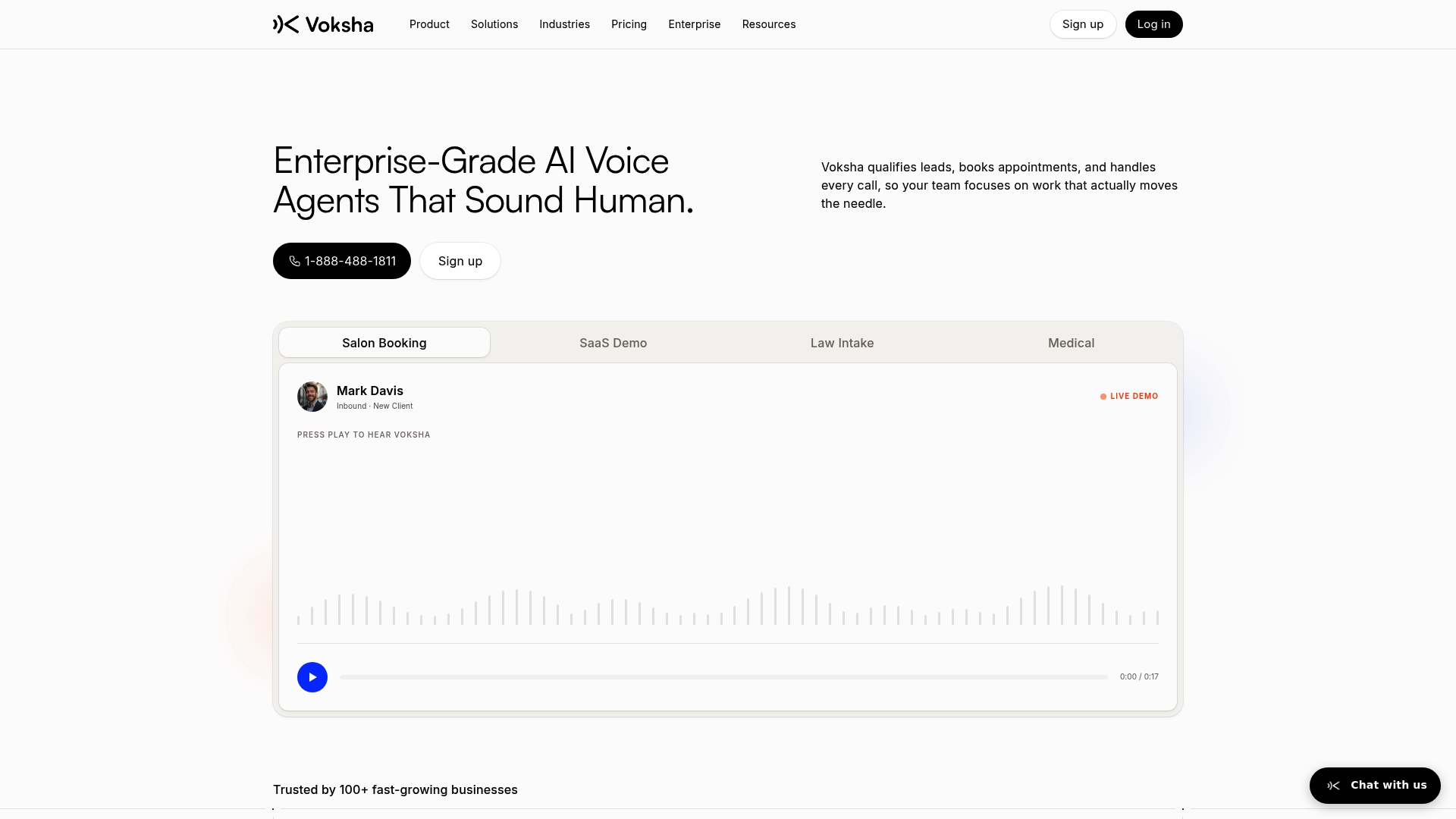
Voksha reports a sub-200ms response time for its voice engine. That speed supports near-real-time back-and-forth on phone calls. The system also handles 24/7 call answering, lead capture, and appointment booking for businesses that need constant coverage.
Core Features
Voksha combines a natural-sounding voice engine with round-the-clock call answering and built-in appointment booking. It captures leads, produces call summaries, and offers smart call routing with escalation to human staff when required. Multi-language support and automatic translation appear on enterprise plans.
Key Differentiator
Voksha's voice engine emphasises human-like conversation quality while integrating directly into business workflows. Quick deployment and deep integrations mean teams can route leads into CRMs or calendars without a lengthy build process.
Pros
The vendor advertises HIPAA, GDPR, and SOC 2 compliance, which matters for clinics and legal practices that handle sensitive data. Integrations with mainstream CRMs and calendars let Voksha place bookings into existing schedules. Deployment is described as fast and low touch, so small teams can set it up without a dedicated IT project. The platform targets several verticals, including salons, medical clinics, law firms, and SaaS companies, which suggests prebuilt training for specialised call types.
Cons
-
No substantive third-party user reviews exist to verify long-term reliability or satisfaction. This gap makes independent validation of uptime and voice quality difficult.
-
Advanced customisations may require technical configuration. Some organisations will need developer time to map complex workflows.
-
Vendor marketing lists no specific independent performance studies. Prospective buyers should trial the system for their busiest call scenarios.
When It May Not Fit
If you need an extensively proven public record of long-term user feedback, this product may disappoint because independent reviews are limited. Organisations without technical support may struggle with advanced integrations or custom routing rules. Teams that require full transparency on long-term reliability should test via a pilot before committing.
Notable Integrations
Voksha connects to major CRMs, scheduling tools, and accounting systems. Key integrations include:
- Salesforce
- HubSpot
- Google Calendar
- Outlook/Office 365
- Clio
- Slack
- Zendesk
- QuickBooks
Who It's For
This product fits small to medium-sized businesses and small-to-mid-sized enterprises that want automated, humanlike call handling with calendar and CRM sync. It suits clinics, law firms, salons, and SaaS companies that require secure handling of customer data and want to reduce after-hours missed calls.
Real World Use Case
A salon uses Voksha to answer after-hours calls, qualify appointment requests, and book clients into Google Calendar. The receptionist workload drops because routine bookings no longer need manual entry. The business keeps consistent hours for customers without hiring night staff.
Pricing
Plans start at $14/month for small businesses. A Premium tier lists at $99/month, and Enterprise pricing is customised based on scale and integration needs. Custom enterprise terms are available for organisations that require advanced features.
Website: https://voksha.com
Skaala
At a Glance
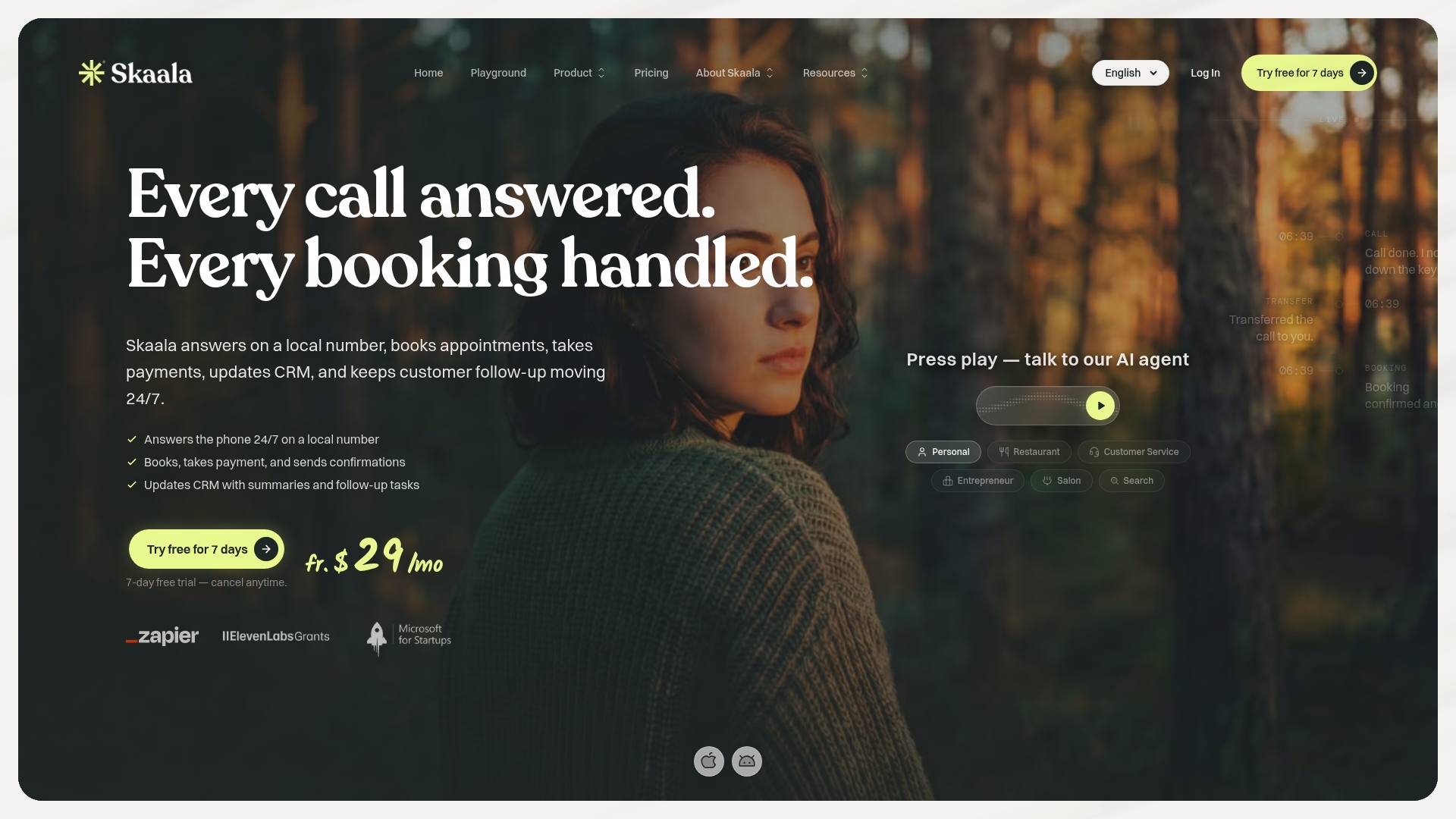
Supports more than 70 languages for live call handling and transcription. Skaala answers calls around the clock and can book appointments, take payments, and update CRMs automatically. Plans start at $29/month and include a seven day free trial for new accounts.
Core Features
Skaala provides 24/7 AI call answering that captures caller intent and delivers real time summaries to your team. The system automates appointment booking and writes events to Google Calendar or Outlook while updating connected CRM records. It also offers call routing, call recording, transcription, and payment capture through Stripe and Zapier connections.
Key Differentiator
Skaala combines multilingual call understanding with direct CRM writes and calendar booking in a single flow. That means callers can schedule and pay without staff intervention and records land in your CRM automatically. This focus on language coverage and end to end booking sets it apart from simple auto attendants.
Pros
Skaala reduces administrative work by taking calls, booking appointments, and pushing updates into CRMs so staff spend less time on manual data entry. The multilingual support makes it useful for businesses with diverse clientele, and real time call summaries speed follow up. Setup requires no hardware and integrates with common scheduling tools, which helps smaller teams get started quickly.
Cons
- Some users report stability issues and sporadic bugs that affect call handling and accuracy.
- Customer feedback highlights occasional errors in call interpretation and transcription quality.
- Documentation and long term reliability details are limited, and support options are not clearly outlined.
When It May Not Fit
Skaala may not suit high volume call centres that require carrier grade telephony and guaranteed uptime. Organisations that need strict SLA commitments and proven long term reliability should evaluate more traditional telephony providers. Also, teams relying on highly specialised call scripts may find the out of the box behaviour requires tuning.
Notable Integrations
- Google Calendar
- Microsoft Outlook
- Stripe
- Zapier
- CRM systems (unspecified)
Who It's For
Small business owners and managers in service industries who want automated phone answering and booking without new hardware. It suits salons, clinics, and hospitality operators that need multilingual support and CRM synchronisation. Teams that want to reduce missed calls and manual scheduling will find the feature set relevant.
Real World Use Case
A hair salon uses Skaala to answer every incoming call, place bookings into Google Calendar, and send SMS confirmations to clients. The system updates the salon CRM so staff have caller history before the appointment. That setup freed reception time and kept the schedule filled during busy days.
Pricing
Plans start at $29/month and include a seven day free trial for new accounts. The vendor lists tiered plans for added features and higher usage, but detailed tier names and limits require a signup to view. Contact Skaala for volume pricing or enterprise options.
Website: https://skaala.ai
Comparison of alternatives
When considering AI receptionist services, businesses often weigh options based on integration capabilities, unique offerings, and pricing models that enhance value. Among the analysed providers—DEXCORE Technologies, Voksha, and Skaala—each presents distinct advantages catering to varying needs. Below is an in-depth comparison across vital dimensions to assist businesses in making an informed choice.
Workflow adaptability and customisation
DEXCORE Technologies sets itself apart with its ability to tailor workflows to closely reflect a business's existing operational processes. This is achieved by offering live demonstration experiences, granting clients a firsthand overview of how the system would integrate into their workflows. By comparison, while Voksha's natural-sounding voice engine facilitates standard operations effectively, it lacks such a distinct customisation feature. Skaala’s out-of-the-box capabilities streamline global communications through its language support but may require adjustments for niche workflows.
Setup speed and ease of integration
For businesses prioritising quick onboarding solutions, Voksha offers deployment speed with minimal IT intervention. This characteristic is critical for teams that lack extensive technical resources. Skaala also supports straightforward setup via direct integration with commonly used scheduling and customer management tools. In contrast, DEXCORE Technologies requires professional setup for customisation, which can extend its deployment timeline but ultimately yields more personalised support.
Best fit
- For customer-facing small and medium enterprises looking for flexible, tailored automation workflows and strong integration with CRM systems, DEXCORE Technologies stands out as the preferred option.
- Teams prioritising the simplicity of setups and a natural conversational voice interface would find Voksha an appropriate choice.
- Businesses dealing with multilingual client bases benefit immensely from Skaala's extensive language support, making it ideal for such operations.
Our pick
DEXCORE Technologies exemplifies the AI receptionist solution for businesses requiring tailored call and scheduling automation closely aligned with their processes. The platform excels in offering customised workflows demonstrated through live sessions, ensuring a smooth transition from onboarding to full-scale operation. While it may not suit those seeking the fastest deployment or highly multilingual environments, for businesses needing efficient workflow integration and automation, DEXCORE Technologies proves the most effective choice.
The following table provides a focused comparison of AI receptionist platforms, highlighting features relevant for businesses seeking comprehensive call automation and workflow integration.
| Product | Key differentiator | Best for | Pricing | Notable limitation |
|---|---|---|---|---|
| Dexcoretechnologies | Custom-tailored automation workflows | Small to medium service businesses | $93–$125/week | Complexity may require professional setup |
| Voksha | Humanlike conversational voice engine | Clinics, law firms, salons, and SaaS companies | $14–$99/month | Limited independent reviews for long-term use |
| Skaala | Multilingual support with CRM updates | Hospitality and service industries | $29+/month | Occasional errors in call transcription |
Are Missed Calls and Lost Leads Holding Your Business Back?
For small and medium Canadian businesses in service industries, missed calls outside regular hours can cost valuable opportunities. Dexcoretechnologies addresses this challenge by delivering 24/7 AI receptionist services combined with tailored workflow automation. The system captures customer details, automates appointment booking, and routes leads directly into your CRM and calendar, helping your team avoid manual data entry and stay focused on client care.
Key benefits include:
- Reliable after-hours call handling to reduce lost leads
- Custom automation workflows matched to your business needs
- Integration with CRM, scheduling, and notification systems
See how your business can improve operational efficiency and customer experience with Dexcoretechnologies. Visit Dexcoretechnologies to learn more and arrange a live demo that helps you make informed decisions and shorten onboarding time.

Start with a service designed for your industry and enjoy up to 942% ROI by automating bookings and customer interactions. Contact Dexcoretechnologies now and reduce missed calls while increasing staff productivity.
FAQ
How does Dexcoretechnologies handle after-hours calls?
Dexcoretechnologies provides 24/7 call answering to capture enquiries outside office hours. This offers businesses continuous support and ensures they do not miss potential leads. Companies can expect complete coverage for customer interactions at any time.
What is the difference between Voksha and Dexcoretechnologies in terms of compliance?
Voksha advertises HIPAA, GDPR, and SOC 2 compliance, making it highly suitable for clinics and legal practices that handle sensitive data. Dexcoretechnologies, on the other hand, focuses on custom-tailored automation workflows without specific claims about data compliance. Users requiring strict regulatory adherence may consider Voksha for those functions.
Can I use Dexcoretechnologies for appointment reminders?
Yes, Dexcoretechnologies sends automatic reminders and follow-up messages to clients. It enhances appointment management by ensuring customers receive timely notifications. Businesses can expect to maintain better communication with their clients through this feature.
Which platform integrates directly with existing CRM systems?
Dexcoretechnologies integrates seamlessly with CRM and calendar platforms, allowing for automatic updates and reminders. This integration reduces manual data entry for staff, streamlining their workflow to enhance productivity. Consider using Dexcoretechnologies if integration with existing systems is crucial for your operations.
How does Dexcoretechnologies compare in pricing with other alternatives?
Dexcoretechnologies starts at $115/week, with various plans to meet different needs. This pricing model can lead to predictable costs for businesses relying on voice interactions compared to competitors who may charge per minute for additional usage. Evaluate your budget and appointment volume to determine if this pricing serves your operational needs.