Choosing workflow automation software without running into vendor lock in or limited control over deployment is still a risk in 2026. Many commercial platforms restrict hosting choices, integrate poorly with specialised business tools, or raise costs sharply for self-hosting and enterprise access. This comparison covers pricing, deployment options, and integration support across five open source workflow automation platforms, letting teams match a solution to their real-world needs.
Table of Contents
- DEXCORE Technologies AI Receptionist and Workflow Automation Services
- n8n
- Activepieces
- Operaton
- Budibase
- Comparison of alternatives
DEXCORE Technologies AI Receptionist and Workflow Automation Services

At a Glance
Plans start at $115/week and include 1,500 minutes/month, plus special offers such as free voice widget setup. The service handles 24/7 call answering, booking, lead capture, and SMS confirmations without human intervention. Deployment is tailored to each client and aims to replace missed calls with automated routing and notifications.
Core Features
The system answers inbound calls and messages with an AI receptionist that captures customer details and books appointments in real time. It automates confirmations and reminders via SMS and integrates workflows with CRM, calendar, POS, and dispatch tools. Support for overflow and after hours calls keeps live lines available during peak times.
Key Differentiator
Tailored automation ecosystems built around a client’s existing workflows, backed by dedicated onboarding and ongoing optimisation support. The onboarding focuses on mapping calls to business processes, not on fitting the business to a canned script. That setup model is the service’s defining operational difference.
Pros
DEXCORE Technologies provides fast, customised deployment that adapts to restaurant, clinic, salon, contractor, and legal workflows. Deep connections to scheduling and practice platforms reduce double entry and handoffs. DEXCORE's marketing materials state a potential ROI of up to 942%, and the vendor pairs that claim with ongoing optimisation during onboarding and support.
Cons
- Initial setup can be complex for teams without a dedicated onboarding resource, requiring time or paid support to unlock full automation.
Notable Integrations
Connects to appointment and practice platforms such as Acuity Scheduling, Calendly, Cliniko, and Jane App. Also integrates with real estate and legal tools like Follow Up Boss, kvCORE, Clio, and MyCase.
Who It's For
Service-oriented Canadian businesses that depend on calls and bookings, including restaurants, clinics, salons, contractors, real estate teams, and legal practices. Teams that handle a steady call volume and want to move booking and lead routing out of staff workflows will see the most benefit. Organisations outside Canada may find support and coverage limited.
Unique Value Proposition
All plans include 1,500 minutes per month and the option of free voice widget setup, which lowers the cost of entry for call-heavy operations. That pricing structure plus dedicated onboarding helps convert missed calls into booked appointments and routed leads, freeing staff to focus on in-person tasks.
Real World Use Case
A med spa routes after-hours calls to DEXCORE, which collects appointment details, confirms bookings by SMS, and writes entries to the clinic CRM and calendar. Staff spend fewer hours returning missed calls and more time on patient care. The integration reduced manual data entry for front-desk teams.
Pricing
Flexible plans start at $115/week, with value-based weekly and pay-per-use options. All plans include 1,500 minutes per month and special onboarding offers such as free voice widget setup.
Website: https://dexcoretechnologies.ca
n8n
At a Glance
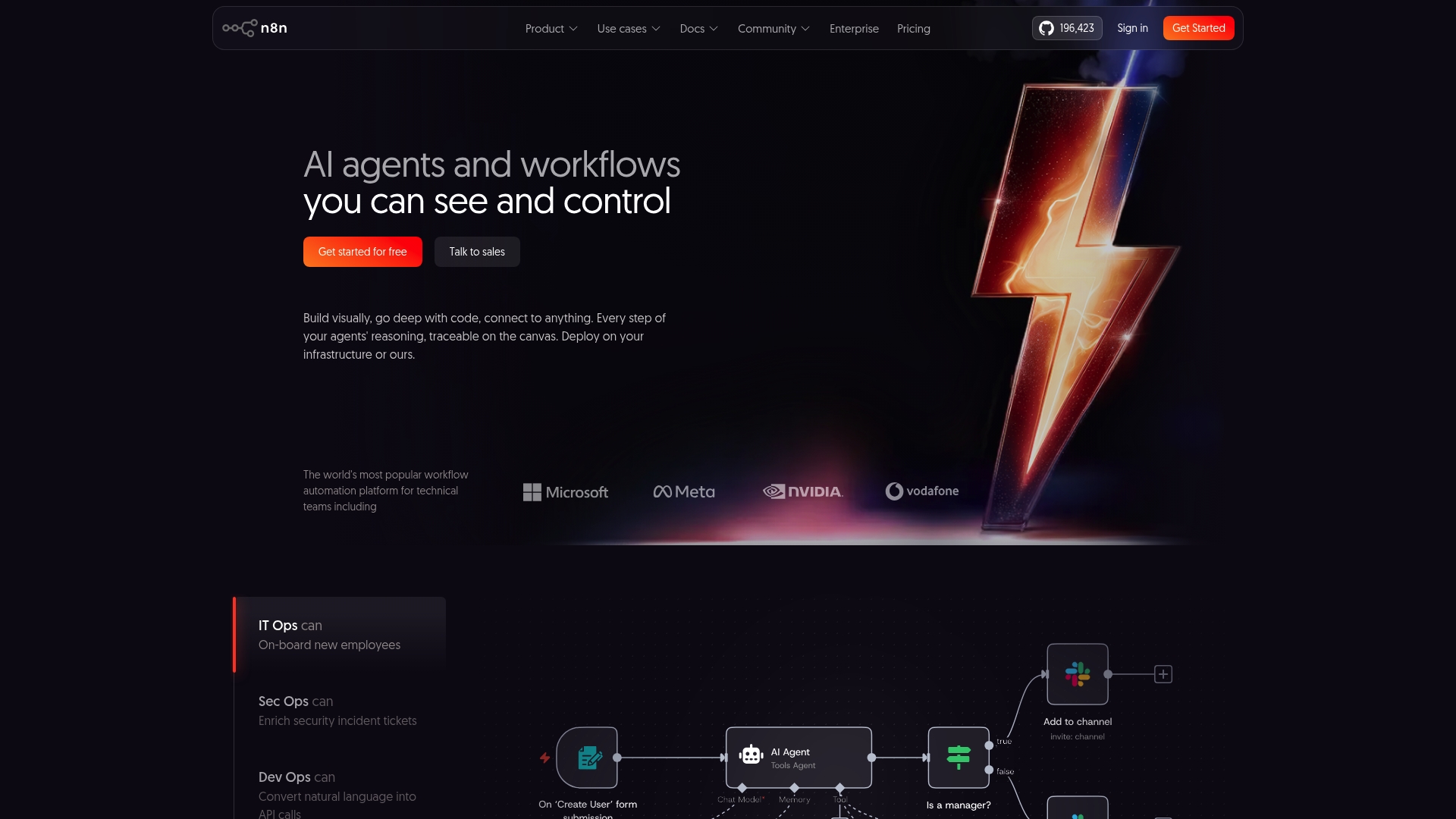
According to the company, Vodafone used n8n to save £2.2 million by automating security workflows. The platform pairs a visual editor with code nodes so teams can mix drag and drop with custom scripts. Self-hosted and cloud deployment options let organisations choose how they hold and protect data.
Core Features
n8n centres on a visual node-based workflow builder that maps steps as connected nodes. Developers can embed JavaScript or Python in custom code nodes to handle conditional logic or data transformation. The product supports self-hosting or cloud deployment and claims more than 1,900 integrations, including AI models such as OpenAI.
Key Differentiator
The open-source licence and self-host option give you source-level control and the option to host on your own infrastructure. Built-in AI nodes plus custom-code nodes let technical teams implement machine learning tasks inside workflows. Enterprise controls such as SSO, LDAP, role-based access control and SOC 2 compliance target regulated environments.
Pros
The visual editor reduces the time to prototype multi-step automations while leaving complex branches to code nodes. A large catalogue of connectors and an active community help teams reuse and adapt workflows. The ability to self-host and the presence of enterprise access controls keep data governance and auditing inside your environment.
Cons
-
Complex workflows can be difficult to master for teams without prior development experience. New users often need help from engineers to avoid logic errors.
-
Some integrations lack feature parity with specialised SaaS connectors. That can force custom API work for full functionality.
-
Documentation can feel sparse or overwhelming during onboarding. Expect additional time for learning and trial.
-
Processing very large data volumes may require performance tuning and a tuned infrastructure. Self-host knowledge is useful for scale.
When It May Not Fit
If your organisation lacks developers, n8n will increase onboarding time and maintenance costs. If you need every connector to match a particular SaaS feature set, some integrations may fall short. If you expect to process huge data sets without DevOps support, the platform will demand extra engineering effort.
Notable Integrations
n8n connects directly to common services your teams use. Storage, messaging, databases and AI models are supported out of the box. Teams frequently pick these connectors:
- Google Sheets
- AWS S3
- Slack
- OpenAI models
- Google Drive
- Webhook APIs
- GTM
- MySQL, Postgres, MongoDB databases
Who It's For
Technical teams and developers who want a highly customisable automation platform will gain the most. Organisations that require self-hosting or strict access controls benefit from the governance features. Teams building AI-powered endpoints or bespoke API workflows will find the custom code nodes valuable.
Real World Use Case
Vodafone automated threat intelligence and reported a £2.2 million saving. That figure shows how security teams can reduce manual triage by combining live data streams, AI enrichment and automated ticketing. The workflow routed alerts, enriched context and created incident tickets without manual intervention.
Website: https://n8n.io
Activepieces
At a Glance
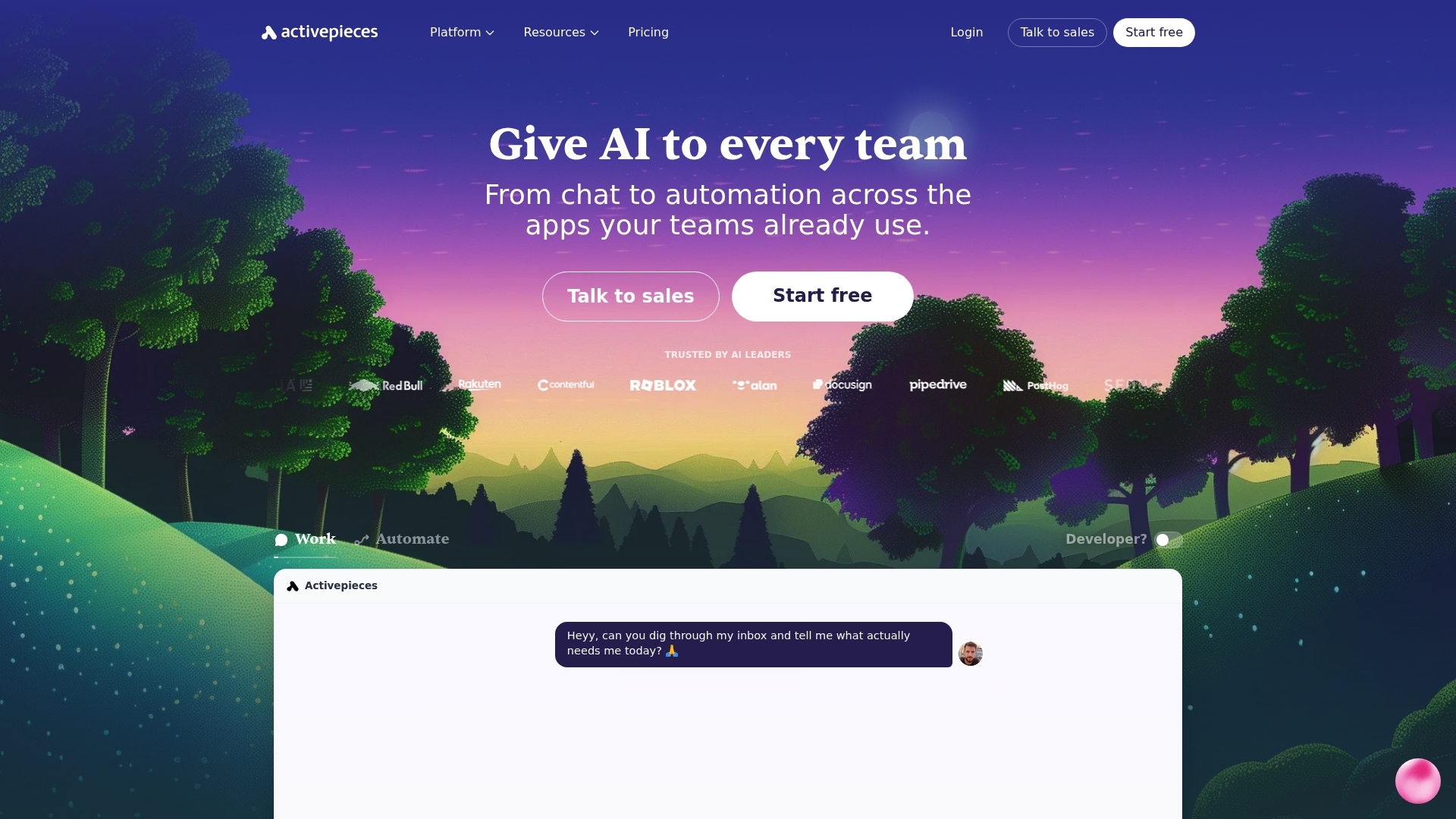
Activepieces reports over 756+ integrations. The platform pairs a modern visual builder with deployment options that include cloud and self-hosted installs. Teams praise the intuitive UI and a pricing model aimed at lower-cost entry for automation work.
Core Features
The automation builder uses a drag-and-drop canvas that supports multi-step logic and conditional branches while letting non-developers assemble flows. It also includes an AI agents stack for automations that call models, and enterprise controls such as RBAC and single sign-on for governed deployments. Deployment choices and a broad connector catalogue allow teams to move projects from pilot to production.
Key Differentiator
Activepieces centres on a clear visual experience that reduces friction when building workflows. That visual interface, paired with both cloud and self-hosted options, gives teams more control over execution and security. The result is a product that suits organisations wanting a low-friction way to automate without losing governance.
Pros
The UI is consistently described as very intuitive, which lowers the barrier for team members who are not engineers. Pricing is competitively low, and the vendor maintains an active community plus responsive support for troubleshooting and feedback. Rapid product releases add useful features frequently, and the core automation engine handles complex workflows across many common apps.
Cons
- Steeper learning curve for absolute beginners. The interface is friendly but advanced conditional logic requires practice.
- Limited niche connectors compared with legacy competitors. Specific enterprise systems may need custom work.
- Recent pricing model changes caused some community pushback. Existing teams may need to revisit budget forecasts.
- Onboarding can feel overwhelming for teams without a dedicated automation lead.
When It May Not Fit
If your stack depends on rare or proprietary enterprise connectors, Activepieces may require bespoke development. Organisations with no technical staff may find advanced flow logic difficult to maintain. Large enterprises that require a long, proven history of third-party integrations might prefer a platform with deeper legacy support.
Notable Integrations
Activepieces connects to major productivity and AI services including Gmail, OpenAI, Slack, Notion, and HubSpot. These integrations support common automation patterns such as CRM syncs, notification routing, and AI-enhanced content generation.
Who It's For
Teams and organisations seeking a scalable automation tool that balances ease of use with governance controls will find this suitable. It fits groups that want to put automation power into non-developer hands while keeping enterprise security features available. Product, marketing, and operations teams benefit most.
Real World Use Case
A marketing team builds a lead qualification flow that reads inbound Gmail, enriches contacts in HubSpot, and posts alerts to Slack. The bot applies AI checks, tags prospects, and triggers personalised follow-up sequences. That setup reduces manual triage and speeds response times for the team.
Pricing
Activepieces' marketing materials state Free for basic usage, then $5 per active flow per month for the Standard plan. Premium tiers exist for custom enterprise features and on-premises deployment options. Pricing changes have occurred, so review current terms before committing.
Website: https://activepieces.com
Operaton
At a Glance
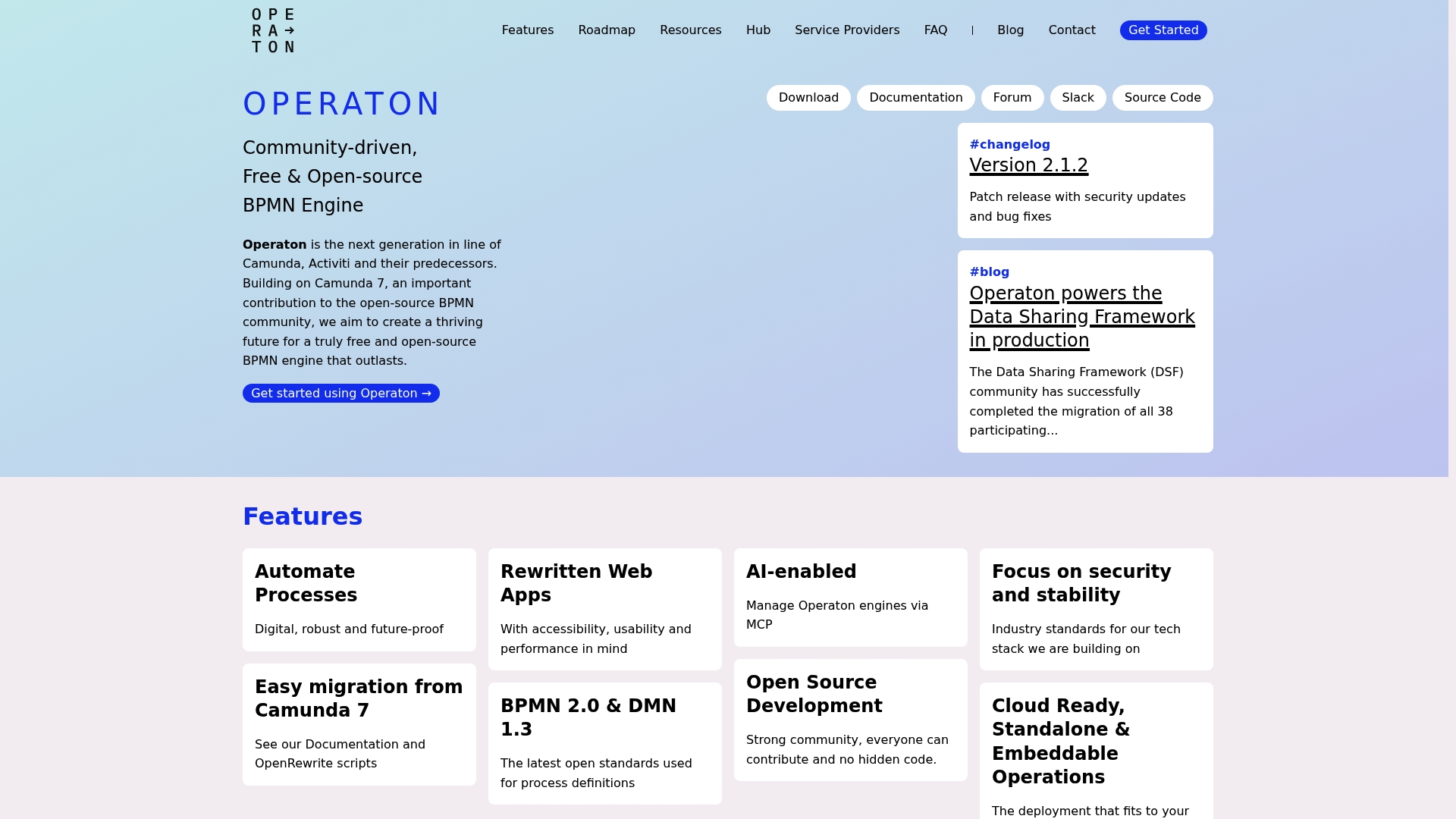
Operaton retains full API compatibility with Camunda 7 while modernising its web applications for accessibility and performance. The project is community owned and developed with open standards and migration tooling. Independent providers offer professional migration and support services.
Core Features
Operaton runs a standards-compliant BPMN engine that supports BPMN 2.0 and DMN 1.3 for decision automation. The project includes rewritten web applications focused on usability and accessibility, plus migration documentation and tools for Camunda 7 projects. Deployment options cover cloud-ready containers, standalone servers, and embeddable Java engine use.
Key Differentiator
Operaton targets teams that need a smooth lift from Camunda 7 by preserving existing process definitions and APIs while moving to a community governed codebase. That migration focus and community ownership set it apart from purely commercial engines. The project emphasises long term community stewardship and compatibility rather than vendor lock in.
Pros
Community ownership lets contributors influence priorities and fixes, which benefits organisations that prefer transparent governance. Full compatibility with Camunda 7 eases migrations and preserves investments in process modelling and tooling. The codebase has been modernised without breaking Camunda 7 APIs, and the project supports containerised deployments such as Docker and Kubernetes for production teams.
Cons
- Lack of extensive third party reviews or high profile user testimonials makes real world stability harder to assess.
- Fewer proprietary extensions than commercial BPM suites means some enterprise features are not built in.
- As a newer community project, some capabilities remain under active development and may change.
When It May Not Fit
If your team requires a packaged vendor support contract with broad proprietary integrations, Operaton may feel limited. Organisations that need ready made enterprise connectors may find gaps compared with commercial BPM vendors. Teams seeking a fully managed SaaS offering should look elsewhere because Operaton focuses on open source engine delivery and self or third party support.
Who It's For
Developers and platform teams migrating from Camunda 7 will find Operaton highly relevant. Open source advocates and organisations that prioritise transparency and control will also fit this profile. The engine suits teams prepared to manage deployments or engage independent service providers for support.
Real World Use Case
A government agency migrated its Camunda 7 workflows to Operaton to avoid proprietary lock in while keeping process definitions and APIs intact. The migration used the provided tools and documentation and deployed the engine on Kubernetes. Independent contractors handled specialised integration work and ongoing maintenance.
Website: https://operaton.org
Budibase
At a Glance
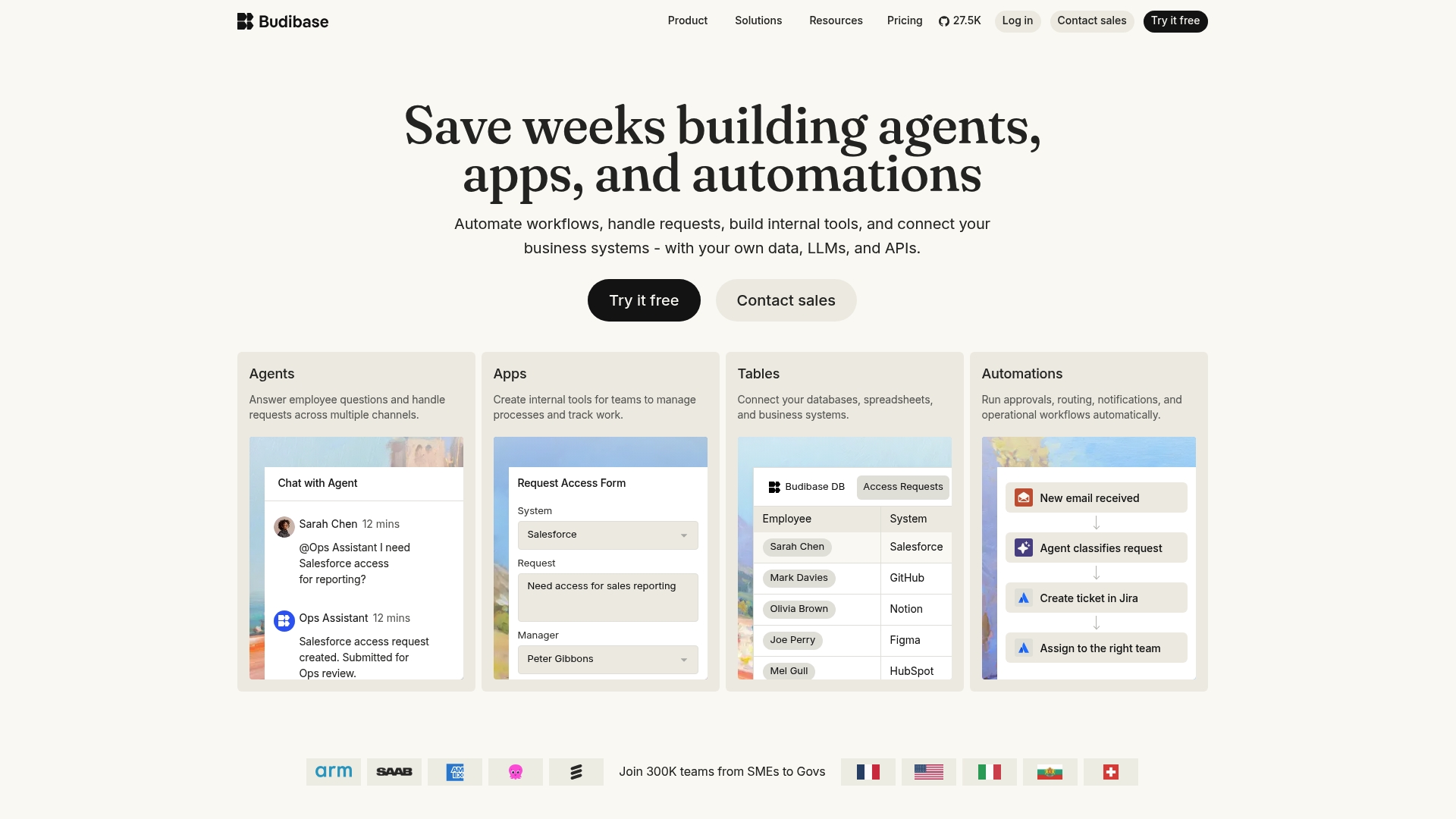
Available as open source self hosted or as a managed cloud service, Budibase pairs a visual app builder with AI model connections and enterprise security such as ISO 27001 and SSO. It supports multi tenancy, environment management, and custom branding for controlled deployments across teams. That mix makes it possible to host internal apps on your infrastructure while still using managed cloud features when you need them.
Core Features
The product offers a visual drag-and-drop app builder, a template library, and workflow automation tools for internal applications. It connects to databases and external APIs and supports AI models from OpenAI, Google, Anthropic, and Mistral. Security and governance features include role based access control, SSO, multi tenancy, and environment management for staged deployments.
Key Differentiator
Budibase stands out for being an open source low code platform you can run in your own environment while preserving enterprise controls. That self hosted option gives IT teams direct access to data and infrastructure, which matters for compliance and long term cost control. The platform also embeds AI model connections and API development, so teams can add agents and automation to internal apps without replatforming.
Pros
The template library and visual builder make rapid prototyping straightforward for business managers and citizen developers. Integration support for PostgreSQL, MySQL, REST APIs, and several AI providers means teams can reuse existing data sources and models rather than migrating data. Offering both self hosted and managed cloud deployments gives organisations flexibility on where sensitive data lives, and the platform lists ISO 27001, RBAC, and SSO as core governance features.
Cons
- Scalability can become an issue as applications grow in complexity. Large, data intensive apps may hit performance limits without custom optimisation.
- The deployment experience is functional but not polished. Teams reported a steeper operational lift for self hosted installs than for some managed competitors.
- The form builder is less intuitive than competing low code tools, which can slow initial form design and validation.
- API capabilities exist but advanced integration scenarios may require extra custom work or middleware.
When It May Not Fit
If you need to run extremely large, high concurrency applications, Budibase may not scale as cleanly as purpose built platforms. Organisations that lack DevOps capacity should expect a non trivial setup effort for self hosted deployments. Teams that require a very polished form designer or out of the box advanced API orchestration may find the tool limiting for complex front end requirements.
Notable Integrations
- PostgreSQL and MySQL
- REST APIs and generic database connectors
- AI models from OpenAI, Google, Anthropic, and Mistral
- External services such as Jira, Slack, Salesforce, HubSpot, and Microsoft Teams
Who It's For
IT teams, business managers, and citizen developers who need to build customizable internal tools without full application engineering. Organisations that prioritise control over data and want the option to self host will get the most from Budibase. Smaller teams can use the managed cloud plan to reduce operational overhead.
Real World Use Case
A government agency used Budibase to digitise refugee response workflows, moving paper forms into an audited, role controlled system. The project kept data on agency infrastructure while adding automation for approvals and reporting. Enterprises also deploy Budibase for onboarding workflows, support ticket handling, and internal approval processes.
Pricing
Free for self hosted use, with tiered paid plans for cloud hosting and enterprise features. The managed plans add features like hosted backups, advanced security controls, and support for larger organisations. Custom enterprise deployment options are available for teams that need SLAs or bespoke configurations.
Website: https://budibase.com
Comparison of alternatives
Among the available open-source workflow automation tools, DEXCORE Technologies stands out for its dedicated onboarding process tailored to client-specific needs, setting it apart in facilitating workflow transitions.
Onboarding and workflow integration
DEXCORE Technologies prioritises a client-focused approach, exemplified by its dedicated onboarding to map both simple and complex calls to a specific workflow ecosystem. This contrasts with platforms like n8n and Activepieces, which focus on empowering technical teams to script workflows independently but may offer less structured onboarding or deployment support. Budibase offers a streamlined app creation process, circumventing complex integration workflows at the cost of extensive user-specific tailoring. DEXCORE Technologies’ initiative in reducing manual interventions in scheduling and call management significantly differentiates its approach.
Development and technical autonomy
When examining developer-focused tools, n8n uniquely excels in enabling programmers to extend automation capabilities with advanced scripting and configurable logic nodes. Meanwhile, DEXCORE Technologies positions itself as an efficient tool for non-developers to automate operations by relying less on direct programming and more on configuration-driven solutions. Operaton highlights an open governance model ideal for teams managing customised or migrated BPMN workflows. Teams needing to bridge advanced customisation with flexible support may evaluate n8n as an appropriate alternative despite its steeper technical learning curve.
Best fit
- Service-oriented Canadian businesses requiring tailored onboarding to refine workflow automation should consider DEXCORE Technologies.
- Developer teams needing programming support alongside a visual editor will likely find n8n indispensable.
- Organisations transitioning specific regulated processes while avoiding proprietary lock-ins may benefit most with Operaton.
- Compact teams aiming for intuitive app construction with flexibility in deployment would align with Budibase’s design.
Our pick
The tailored approach of DEXCORE Technologies makes it an excellent selection for Canadian service-oriented businesses looking to maximise efficiency in booking and customer interaction workflows. However, organisations requiring significant coding autonomy or BPMN transitions may find platforms such as n8n or Operaton more appropriate for their specific implementation demands.
The comparison focuses on identifying workflow automation solutions based on their features and deployment approaches.
| Platform | Primary Use Case | Key Differentiator | Pricing | Notable Limitation |
|---|---|---|---|---|
| Dexcoretechnologies | Call answering and booking automation | Tailored automation ecosystems | $115/week | Setup complexity requiring onboarding resources |
| n8n | Node-based workflow automation | Open-source with self-hosting option | Price not published | Complex workflows demand developer involvement |
| Activepieces | Visual automation builder | Intuitive UI for non-developers | $5 per active flow | Limited niche connectors requiring custom development |
| Operaton | BPMN engine for decision automation | Community owned with Camunda 7 migration support | Price not published | Lack of extensive proprietary extensions |
| Budibase | Internal tool and app automation | Open-source low-code development | Free for self-hosting | Scalability concerns with data-intensive applications |
Challenges With Workflow Automation Software Open Source Options
Many Canadian service-oriented businesses find open source workflow automation software complicated and time-consuming to implement. Managing complex integrations and tailoring workflows without dedicated developer resources can slow operations and increase costs. Key concerns include missed calls, lost leads, and duplicative manual tasks that drain employee time.
Dexcoretechnologies addresses these challenges with AI receptionist and workflow automation services designed specifically for Canadian restaurants, clinics, salons, and legal practices. Their system handles 24/7 call answering, lead capture, and appointment booking automatically. This reduces missed opportunities and cuts double entry with deep platform connections.
Learn how Dexcoretechnologies can help your team convert missed calls into booked appointments and routed leads. Free voice widget setup and tailored onboarding support make getting started affordable and effective.
FAQ
What features make Dexcoretechnologies a good choice for workflow automation?
Dexcoretechnologies excels in automating booking and lead capture through its AI receptionist. The system answers calls and collects customer details in real time, making it ideal for businesses that require efficient appointment scheduling.
How does Dexcoretechnologies compare to n8n in terms of development experience?
n8n provides a visual node-based workflow builder that supports developers with a mix of drag-and-drop and custom scripts. Dexcoretechnologies, however, focuses primarily on automating customer interactions, which suits service-oriented businesses with high call volumes.
What is the pricing structure for Dexcoretechnologies?
The pricing for Dexcoretechnologies starts at $115/week and includes 1,500 minutes/month. This structure makes it an affordable option for businesses looking to improve their call handling and booking processes without heavy upfront costs.
Can Dexcoretechnologies handle after-hours calls effectively?
Yes, Dexcoretechnologies supports after-hours call handling by automating responses and collecting appointment details. This feature ensures that businesses do not miss potential customer interactions during off-peak hours.
What kind of integrations does Dexcoretechnologies offer?
Dexcoretechnologies connects with various appointment and practice platforms, including Acuity Scheduling, Calendly, and Cliniko. This flexibility allows businesses to integrate the system into their existing workflows smoothly.