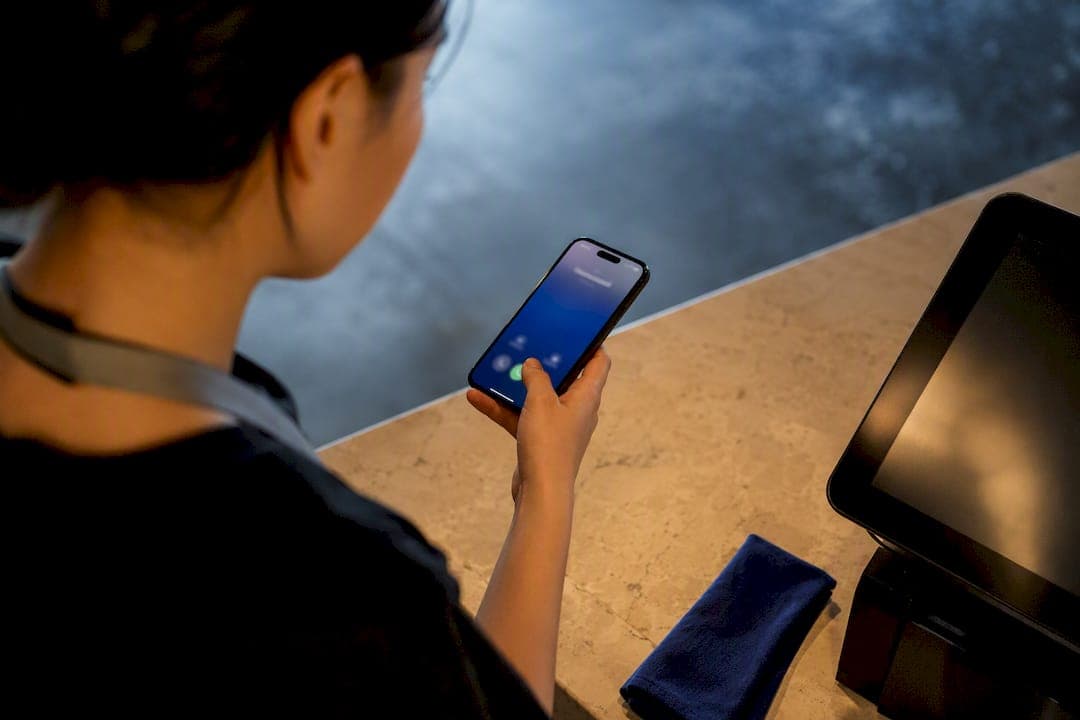
Restaurant phone automation is worth adopting if your kitchen or front counter regularly loses orders to unanswered lines, and it pays off fastest for high-volume pickup and delivery operations, multi-location groups, and any venue where a ringing phone competes with a dinner rush. The gain that actually shows up on the P&L is recovered order revenue, not fewer rings. That only happens when the system writes orders directly into your POS rather than just taking a message.
TL;DR:
- Successful restaurant phone automation requires bidirectional POS integration to fully eliminate manual order re-entry and realize revenue gains.
- Systems must handle full order closure, including modifiers and payment, and support real-time reservation and menu updates for accuracy during peak hours.
- Integration issues such as one-way sync, stale menu data, and low concurrent call limits often cause deployment failures, not AI misunderstandings.
- Implementing requires a thorough call volume audit, full menu export, detailed testing, and ongoing monitoring to fine-tune escalation triggers.
- A proper rollout offers live menu testing, real-time transcripts, SMS confirmations, and escalation rules, ensuring dependable performance in busy periods.
Table of Contents
- What restaurant phone automation actually means
- How the call actually flows, end to end
- The features worth demanding in a demo
- Does the ROI actually work out?
- How do you actually roll it out?
- Where deployments actually break down
- What a real deployment looks like in practice
- What actually separates a good rollout from a bad one
- How DEXCORE fits into this checklist
- Sources
What restaurant phone automation actually means
Restaurant phone automation isn't the same thing as the touch-tone menu your walk-in cooler company used in 2011, and it's not a human answering service reading back a note to your line cook either. A legacy IVR routes calls; a human answering service captures a message and forwards it. Neither closes an order. A voice AI phone agent built for restaurants does something structurally different: it holds a real conversation, extracts intent, builds an order line by line, confirms modifiers out loud, and pushes a finished ticket into the POS the same way a human host would key it in.
That last part is the whole game. A caller asking for "a large pepperoni, no olives, extra crispy crust" needs the system to catch the modifier, not just the word "pizza." Concretely, a functioning system should be able to:
- Take a full order with modifiers and confirm it back to the caller
- Book or modify a reservation and check real-time table availability
- Push the completed order or reservation into the POS or reservation system without staff re-entry
- Send an SMS confirmation with pickup time or reservation details
- Escalate to a live staff member when the call falls outside its scope
The term "full order closure" matters here. Plenty of tools marketed as restaurant call management solutions stop at transcription. Only systems built for bidirectional sync actually finish the job.
How the call actually flows, end to end
Every restaurant phone automation platform runs the same basic lifecycle, even if the marketing language differs between vendors. Understanding the sequence helps you spot where a weak integration will break down before it costs you a real order.
- The system answers the call within one or two rings and greets the caller using your restaurant's name and hours.
- It extracts intent (order, reservation, hours question, complaint) using voice recognition tuned for menu vocabulary.
- For an order, it builds the ticket item by item, checking modifiers against your live menu.
- It reads the order back for confirmation, including price and estimated ready time.
- It writes the completed order to the POS, generates a payment link or takes payment over the phone where supported, and triggers an SMS confirmation.
- If the caller's request falls outside programmed rules, the call transfers to a staffed line with the partial order context passed along.
That sixth step is where most of the real engineering lives. The integrations that make this work are not optional extras:
- POS integration, both read and write, so menu items, prices, and 86'd items sync in both directions
- Reservation system integration for real-time table availability
- Payment gateway integration for in-call payment or a secure follow-up link
- SMS provider integration for confirmations and pickup reminders
- Reporting and call transcripts so a manager can audit what was actually said
Concurrent call handling deserves its own scrutiny. A system that performs beautifully on a demo call with no other traffic can bottleneck badly at 6:00 p.m. on a Friday when eleven people call at once, so ask exactly how many simultaneous calls the platform is contracted to support, not just what it's technically capable of.
The features worth demanding in a demo
Most vendor pitches sound identical on a sales call. The differences show up when you push on specifics, so bring a checklist and make the vendor answer each line item directly rather than accepting a general capabilities overview.
- Bidirectional POS integration. One-way sync (POS to voice system only) means every order still needs manual re-entry, which defeats the purpose. Read/write access is what actually removes staff work.
- Full order closure with payment options. The system should complete an order and, ideally, take payment in-call or via a secure SMS link rather than requiring a staff member to call the customer back.
- Concurrent call capacity matched to your real peak volume, not your average volume.
- Live menu sync and 86 management so the system never sells an item the kitchen ran out of an hour ago.
- Multilingual support if your customer base or delivery radius includes non-English speakers.
- Call transcripts and structured reporting for order accuracy audits and dispute resolution.
- A written SLA on uptime and response latency, not a verbal assurance.
Restaurant technology reviewers consistently point to integration depth as the deciding factor in whether an AI phone agent actually reduces staff workload, and that lines up with what shows up in vendor demos: the systems that impress on stage are not always the ones that hold up on a busy Friday.
Pro Tip: Ask the vendor to run a live demo call using your actual menu file, including at least one item with three or more modifiers. If the system stumbles on your menu in the sales meeting, it will stumble on it in production.
Does the ROI actually work out?
The revenue case for restaurant phone automation rests on one uncomfortable fact: a caller who hits a busy signal or voicemail usually doesn't call back. Industry analysis on restaurant technology and missed calls notes that phone orders also tend to carry a higher average ticket than online orders, which means a missed call isn't just a missed interaction. It's a missed order that was probably worth more than the average online transaction.
Run the math on your own numbers before you commit to anything:
- Estimate your monthly missed or unanswered call volume (most POS or phone providers can pull this).
- Multiply by the share of those calls that were likely order or reservation intent.
- Multiply that by your average phone-order ticket size.
- Subtract the monthly subscription cost of the automation platform.
A restaurant missing calls with a majority carrying order intent and a typical average ticket faces significant monthly at-risk revenue before subscription cost. Recovering even half of that against a system priced in the low hundreds per month changes the conversation fast.
- Fewer remade orders from mis-heard modifiers over a noisy kitchen phone
- Reclaimed labour hours previously spent answering repetitive "are you open" calls
- A measurable lift in average ticket when the system suggests add-ons consistently
Treat any vendor's ROI claim, including DEXCORE's own documented ROI examples, as a planning benchmark to verify against your own call volume, not a guaranteed outcome.
How do you actually roll it out?
Implementation runs in four phases, and skipping the first one is the single most common reason a rollout underdelivers.
- Audit your missed calls for one week. Pull call logs from your phone provider or POS and count how many calls go unanswered during peak hours. This number becomes your baseline for measuring recovery later.
- Export your full menu and modifiers, including every 86'd-item workflow, and list every system that needs to talk to the new phone platform (POS, reservation software, SMS provider).
- Onboarding: connect your existing phone number, import the menu file, configure the greeting and voice tone, set operating hours, and map each menu category to the corresponding POS field. Setup on well-built platforms often completes in under a day once the menu file is ready.
- Testing: place test calls covering a normal order, a complex modifier order, a reservation request, and a deliberate edge case (an item you don't carry). Stress-test concurrent calls during a simulated rush, confirm the payment flow end to end, and brief staff on the new escalation SOP.
- First 30 days: monitor transcripts daily, reconcile automated orders against what actually printed in the kitchen, and tune escalation triggers based on what real callers ask that the system didn't expect.
For the POS mapping step specifically, a structured integration approach prevents the most common go-live headache: menu items that exist in the voice system but don't map cleanly to a POS SKU.
Where deployments actually break down
The most common failure isn't the AI misunderstanding a caller. It's a weak integration contract that nobody caught before signing.
- One-way POS sync that requires manual re-entry, quietly reintroducing the labour cost the system was supposed to remove.
- A concurrent call cap buried in the contract that's lower than your real Friday-night peak, discovered only when calls start dropping.
- Stale menu data because nobody built a process for updating the voice system when the physical menu changes.
- Vague escalation rules, so complaint calls or large catering orders route nowhere useful.
The fixes are contractual as much as technical: write bidirectional integration and a specific concurrent-call number into the agreement, assign one staff member to own weekly menu updates, and define in writing exactly which call types transfer to a human and who gets notified when a disputed order comes in.
Pro Tip: Always run your concurrent-call stress test during your actual peak hour, not a quiet Tuesday afternoon. A contracted call limit that looks generous on paper can bottleneck badly the first busy Friday you rely on it.
What a real deployment looks like in practice
DEXCORE Technologies builds 24/7 AI receptionist coverage for restaurants around the same checklist covered above, rather than a generic voice assistant layered on top of a phone line.
- Bidirectional POS and reservation sync, so orders and bookings land in the system staff already use.
- Automated SMS confirmations and internal team notifications so nothing depends on someone checking a dashboard.
- Workflow automation that routes catering requests, large parties, or complaints to the right staff member automatically.
- A documented onboarding process for connecting POS systems that matches the implementation phases outlined above.
A useful demo should walk through your actual menu file, show you a live transcript of a test order, and explain exactly what happens when a call falls outside the system's rules, not just what happens when everything goes smoothly.
What actually separates a good rollout from a bad one
If there's one thing operators underestimate, it's how much integration depth matters compared to how polished a demo sounds. A system that talks beautifully but only writes orders one way is more expensive than doing nothing, because you're paying for automation and still re-keying every ticket. Run your own missed-call audit before you talk to any vendor. A week of real numbers tells you more than any sales deck.
— James
How DEXCORE fits into this checklist
DEXCORE Technologies is built for restaurants that need order accuracy and integration depth, not just a voice that answers the phone. Where a generic answering service stops at a written message, DEXCORE's restaurant AI receptionist writes orders directly into your POS, syncs with reservation systems in real time, and sends SMS confirmations without a staff member touching a keyboard.

A demo should show you your own menu file working live, a call transcript, and the exact rules for when a call escalates to your team. Onboarding typically starts with a missed-call audit and menu import, the same prework covered earlier in this guide, and support continues through the first weeks of live calls while triggers get tuned. If you're ready to see how it handles your actual order flow, book a demo of the restaurant AI receptionist and bring your real menu file to the call.